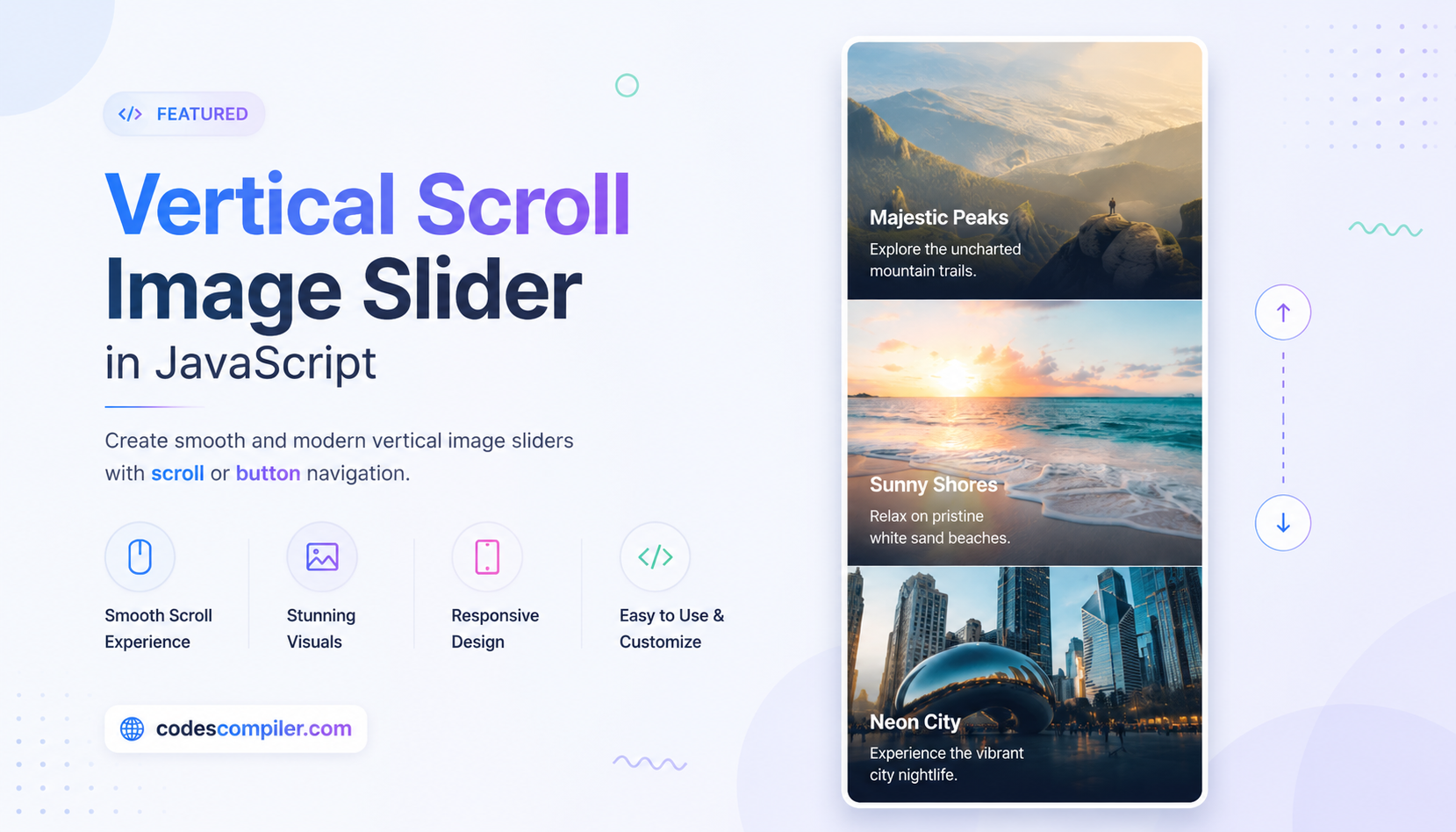
Build a Touch-Friendly Image Swiper in JavaScript
Learn build a touch-friendly image swiper with this comprehensive guide containing source code.
Welcome to this tutorial on Build a Touch-Friendly Image Swiper in JavaScript.
HTML Structure
HTML CODE
<div class="swiper-wrapper-main">
  <div class="swiper-container" id="swiper">
    <div class="swiper-inner" id="swiper-inner">
      <div class="swiper-slide"><img src="https://images.unsplash.com/photo-1518837695005-2083093ee35b?auto=format&fit=crop&w=800&q=80" alt="Ocean 1"></div>
      <div class="swiper-slide"><img src="https://images.unsplash.com/photo-1495954484750-af469f2f9be5?auto=format&fit=crop&w=800&q=80" alt="Ocean 2"></div>
      <div class="swiper-slide"><img src="https://images.unsplash.com/photo-1414490929659-9a12b7e31907?auto=format&fit=crop&w=800&q=80" alt="Ocean 3"></div>
      <div class="swiper-slide"><img src="https://images.unsplash.com/photo-1507525428034-b723cf961d3e?auto=format&fit=crop&w=800&q=80" alt="Ocean 4"></div>
    </div>
  </div>
</div>
CSS Styling
CSS CODE
.swiper-wrapper-main {
  display: flex;
  justify-content: center;
  align-items: center;
  min-height: 100vh;
  background-color: #f0f2f5;
  font-family: 'Inter', sans-serif;
  overflow: hidden;
}
.swiper-container {
  width: 100%;
  max-width: 600px;
  overflow: hidden;
  cursor: grab;
  border-radius: 20px;
  box-shadow: 0 10px 30px rgba(0,0,0,0.2);
}
.swiper-container:active { cursor: grabbing; }
.swiper-inner {
  display: flex;
  transition: transform 0.3s ease-out;
  will-change: transform;
}
.swiper-slide {
  min-width: 100%;
  height: 400px;
  user-select: none;
}
.swiper-slide img {
  width: 100%;
  height: 100%;
  object-fit: cover;
  pointer-events: none;
}
JavaScript Logic
JAVASCRIPT CODE
document.addEventListener('DOMContentLoaded', () => {
    const swiper = document.getElementById('swiper');
    const inner = document.getElementById('swiper-inner');
    if(!swiper || !inner) return;

    let isDragging = false;
    let startPos = 0;
    let currentTranslate = 0;
    let prevTranslate = 0;
    let animationID;
    let currentIndex = 0;

    const slides = Array.from(document.querySelectorAll('.swiper-slide'));

    slides.forEach((slide, index) => {
        const slideImage = slide.querySelector('img');
        slideImage.addEventListener('dragstart', (e) => e.preventDefault());

        slide.addEventListener('touchstart', touchStart(index));
        slide.addEventListener('touchend', touchEnd);
        slide.addEventListener('touchmove', touchMove);

        slide.addEventListener('mousedown', touchStart(index));
        slide.addEventListener('mouseup', touchEnd);
        slide.addEventListener('mouseleave', () => { if(isDragging) touchEnd() });
        slide.addEventListener('mousemove', touchMove);
    });

    window.addEventListener('resize', setPositionByIndex);

    function touchStart(index) {
        return function(event) {
            currentIndex = index;
            startPos = getPositionX(event);
            isDragging = true;
            animationID = requestAnimationFrame(animation);
            inner.style.transition = 'none';
        }
    }

    function touchMove(event) {
        if (isDragging) {
            const currentPosition = getPositionX(event);
            currentTranslate = prevTranslate + currentPosition - startPos;
        }
    }

    function touchEnd() {
        isDragging = false;
        cancelAnimationFrame(animationID);

        const movedBy = currentTranslate - prevTranslate;

        if (movedBy < -100 && currentIndex < slides.length - 1) currentIndex += 1;
        if (movedBy > 100 && currentIndex > 0) currentIndex -= 1;

        setPositionByIndex();
        inner.style.transition = 'transform 0.3s ease-out';
    }

    function getPositionX(event) {
        return event.type.includes('mouse') ? event.pageX : event.touches[0].clientX;
    }

    function animation() {
        setSliderPosition();
        if (isDragging) requestAnimationFrame(animation);
    }

    function setSliderPosition() {
        inner.style.transform = `translateX(${currentTranslate}px)`;
    }

    function setPositionByIndex() {
        currentTranslate = currentIndex * -window.innerWidth;
        if(window.innerWidth > 600) {
            currentTranslate = currentIndex * -600;
        }
        prevTranslate = currentTranslate;
        setSliderPosition();
    }
});