Animated Sidebar Menu using CSS Transitions
Learn animated sidebar menu using css with this comprehensive guide containing source code and step-by-step instructions.
Welcome to this tutorial on Animated Sidebar Menu using CSS Transitions. This is an automatically generated post based on popular examples to help you learn and implement this concept.
HTML Structure
Here is the basic HTML structure for this project:
HTML CODE
<div class="sidebar-container">
  <nav class="animated-sidebar">
    <div class="sidebar-header">
      <div class="logo">
        <i class="fas fa-cube"></i>
        <span>Brand</span>
      </div>
      <button class="toggle-btn" id="toggle-btn">
        <i class="fas fa-bars"></i>
      </button>
    </div>
    <ul class="nav-links">
      <li>
        <a href="#">
          <i class="fas fa-home"></i>
          <span class="link-text">Dashboard</span>
        </a>
      </li>
      <li>
        <a href="#">
          <i class="fas fa-user"></i>
          <span class="link-text">Profile</span>
        </a>
      </li>
      <li>
        <a href="#">
          <i class="fas fa-cog"></i>
          <span class="link-text">Settings</span>
        </a>
      </li>
    </ul>
  </nav>
  <main class="main-content">
    <h2>Main Content Area</h2>
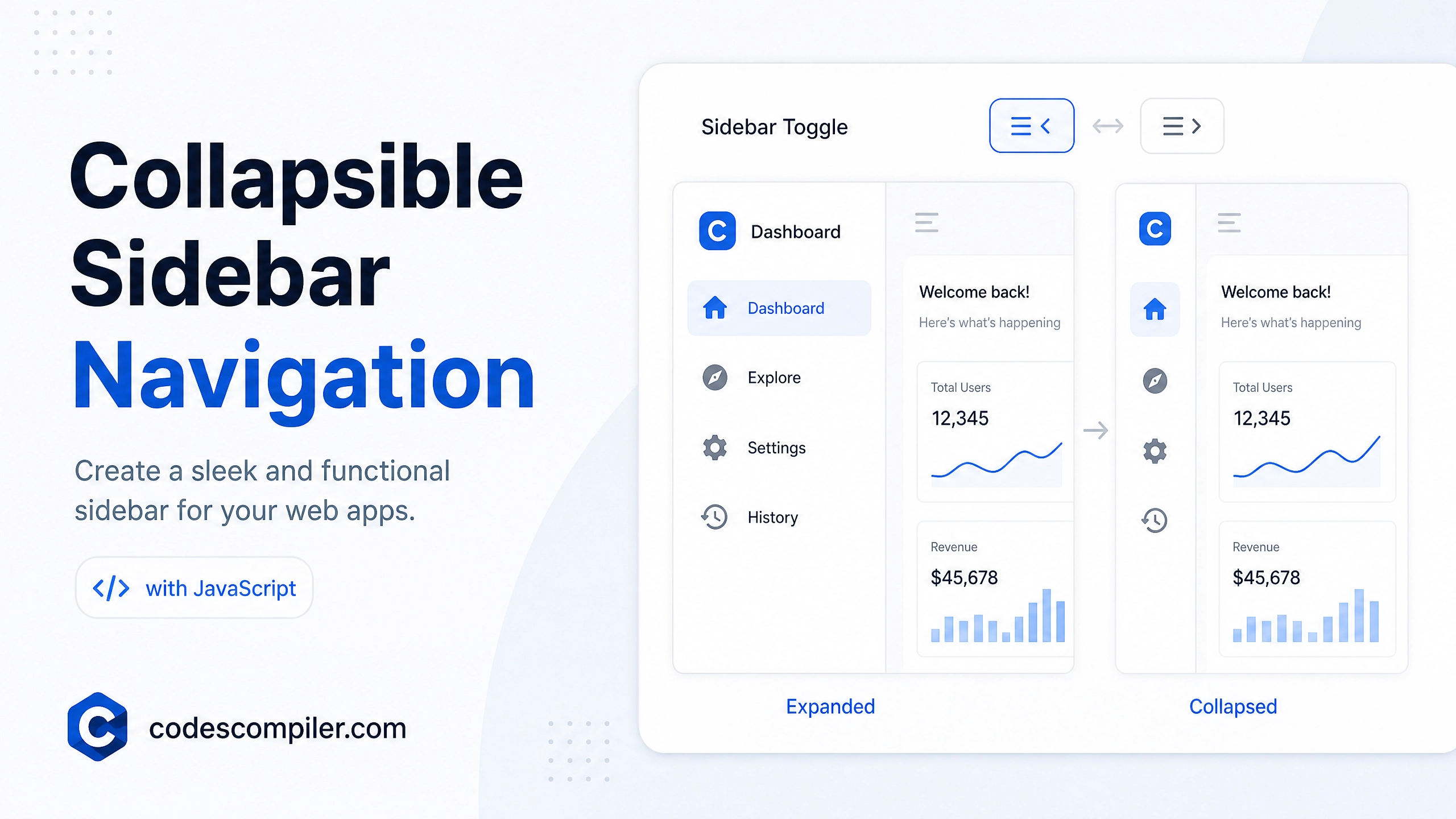
    <p>Click the hamburger icon to toggle the sidebar.</p>
  </main>
</div>
<!-- Add Font Awesome for icons -->
<link rel="stylesheet" href="https://cdnjs.cloudflare.com/ajax/libs/font-awesome/6.4.0/css/all.min.css">
CSS Styling
Style your component using the following CSS:
CSS CODE
@import url('https://fonts.googleapis.com/css2?family=Poppins:wght@300;400;500;600&display=swap');

* {
  margin: 0;
  padding: 0;
  box-sizing: border-box;
  font-family: 'Poppins', sans-serif;
}

body {
  background-color: #e4e9f7;
}

.sidebar-container {
  display: flex;
  height: 100vh;
  overflow: hidden;
}

.animated-sidebar {
  width: 250px;
  background: #11101d;
  transition: all 0.5s ease;
  padding-top: 20px;
  position: relative;
}

.animated-sidebar.collapsed {
  width: 80px;
}

.sidebar-header {
  display: flex;
  align-items: center;
  justify-content: space-between;
  padding: 0 20px;
  margin-bottom: 30px;
}

.logo {
  color: #fff;
  display: flex;
  align-items: center;
  gap: 10px;
  font-size: 20px;
  font-weight: 600;
  opacity: 1;
  transition: opacity 0.3s;
}

.animated-sidebar.collapsed .logo span {
  opacity: 0;
  pointer-events: none;
}

.toggle-btn {
  background: transparent;
  border: none;
  color: #fff;
  font-size: 20px;
  cursor: pointer;
  padding: 5px;
}

.nav-links {
  list-style: none;
}

.nav-links li {
  margin-bottom: 10px;
}

.nav-links a {
  display: flex;
  align-items: center;
  color: #fff;
  text-decoration: none;
  padding: 15px 20px;
  transition: all 0.4s ease;
  white-space: nowrap;
}

.nav-links a:hover {
  background: #1d1b31;
  border-left: 4px solid #fff;
}

.nav-links a i {
  font-size: 20px;
  min-width: 40px;
  text-align: center;
}

.link-text {
  opacity: 1;
  transition: opacity 0.3s;
}

.animated-sidebar.collapsed .link-text {
  opacity: 0;
  pointer-events: none;
}

.main-content {
  flex: 1;
  padding: 40px;
  transition: all 0.5s ease;
}

h2 {
  color: #11101d;
  margin-bottom: 15px;
}

p {
  color: #555;
}
JavaScript Logic (if applicable)
For dynamic behavior, you can use the following JavaScript snippet:
JAVASCRIPT CODE
document.addEventListener('DOMContentLoaded', () => {
  const sidebar = document.querySelector('.animated-sidebar');
  const toggleBtn = document.getElementById('toggle-btn');

  if(toggleBtn && sidebar) {
    toggleBtn.addEventListener('click', () => {
      sidebar.classList.toggle('collapsed');
    });
  }
});
Feel free to customize this code for your own projects!