How to Build a Responsive Sidebar Menu using HTML & CSS
Learn how to build a responsive with this comprehensive guide containing source code and step-by-step instructions.
Welcome to this tutorial on How to Build a Responsive Sidebar Menu using HTML & CSS. This is an automatically generated post based on popular examples to help you learn and implement this concept.
HTML Structure
Here is the basic HTML structure for this project:
HTML CODE
<nav class="responsive-nav">
  <input type="checkbox" id="nav-toggle" class="nav-toggle">
  <label for="nav-toggle" class="toggle-icon">
    <i class="fas fa-bars"></i>
  </label>

  <div class="sidebar-content">
    <div class="logo">
      <h3>RespoMenu</h3>
    </div>
    <ul class="nav-links">
      <li><a href="#"><i class="fas fa-desktop"></i> Dashboard</a></li>
      <li><a href="#"><i class="fas fa-image"></i> Gallery</a></li>
      <li><a href="#"><i class="fas fa-bell"></i> Notifications</a></li>
      <li><a href="#"><i class="fas fa-cog"></i> Settings</a></li>
    </ul>
  </div>
</nav>
<main class="page-content">
  <h1>Responsive Content</h1>
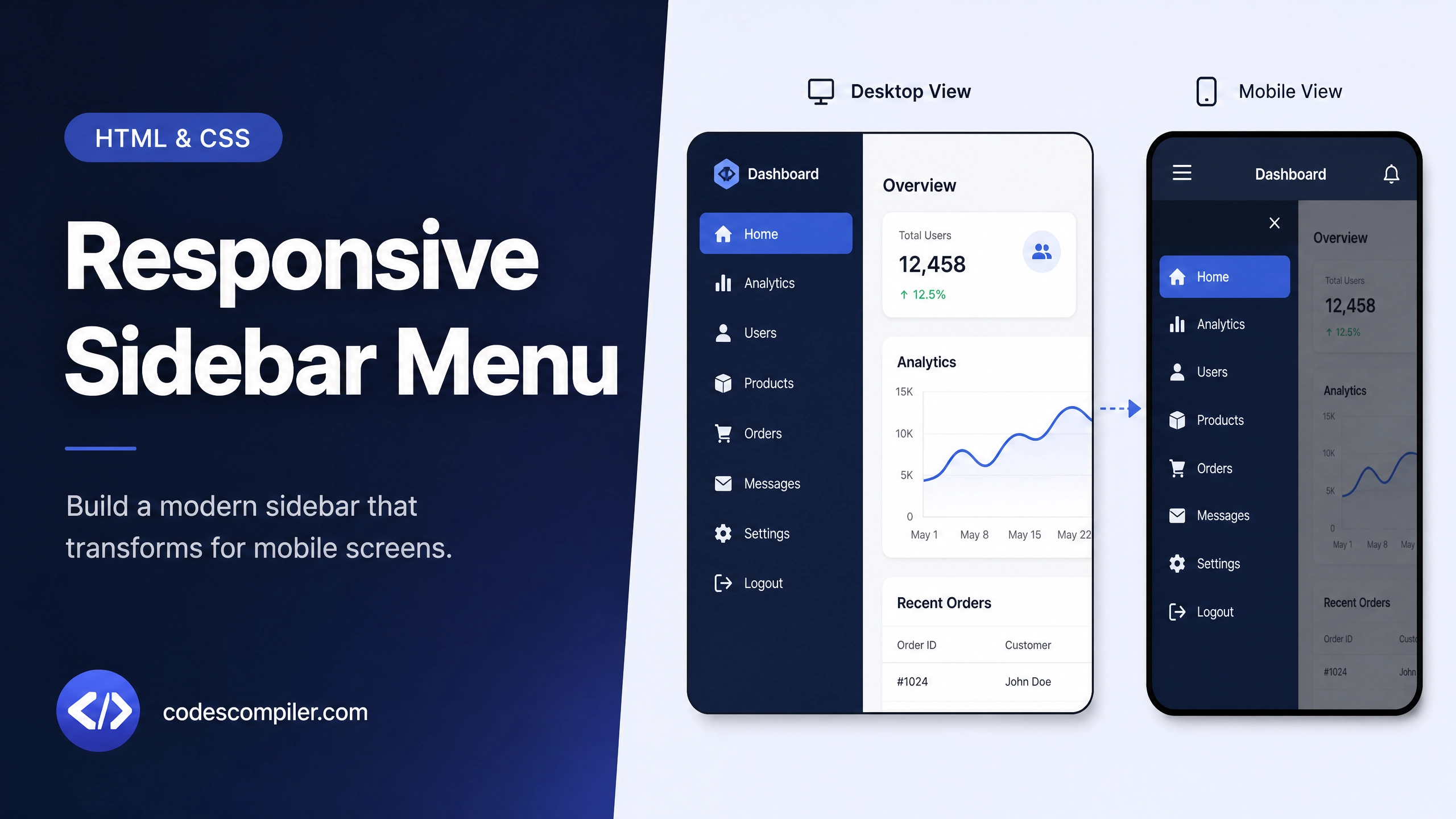
  <p>Resize the window to see the sidebar transform into a hamburger menu on smaller screens.</p>
</main>
<!-- Font Awesome -->
<link rel="stylesheet" href="https://cdnjs.cloudflare.com/ajax/libs/font-awesome/6.4.0/css/all.min.css">
CSS Styling
Style your component using the following CSS:
CSS CODE
@import url('https://fonts.googleapis.com/css2?family=Montserrat:wght@400;500;600&display=swap');

body {
  margin: 0;
  font-family: 'Montserrat', sans-serif;
  display: flex;
  background-color: #f4f6f9;
}

.responsive-nav {
  position: relative;
}

.nav-toggle {
  display: none;
}

.toggle-icon {
  display: none;
  position: fixed;
  top: 20px;
  left: 20px;
  z-index: 100;
  font-size: 24px;
  cursor: pointer;
  color: #333;
  background: #fff;
  padding: 10px;
  border-radius: 8px;
  box-shadow: 0 2px 5px rgba(0,0,0,0.1);
}

.sidebar-content {
  width: 250px;
  height: 100vh;
  background: #2c3e50;
  position: sticky;
  top: 0;
  transition: transform 0.3s ease;
}

.logo {
  padding: 30px 20px;
  color: #fff;
  border-bottom: 1px solid rgba(255,255,255,0.1);
}

.logo h3 {
  margin: 0;
  font-weight: 600;
  letter-spacing: 1px;
}

.nav-links {
  list-style: none;
  padding: 20px 0;
  margin: 0;
}

.nav-links li a {
  display: block;
  padding: 15px 25px;
  color: #ecf0f1;
  text-decoration: none;
  transition: 0.3s;
}

.nav-links li a i {
  margin-right: 15px;
  width: 20px;
  text-align: center;
}

.nav-links li a:hover {
  background: #34495e;
  padding-left: 30px;
}

.page-content {
  flex: 1;
  padding: 40px;
}

@media (max-width: 768px) {
  .toggle-icon {
    display: block;
  }

  .sidebar-content {
    position: fixed;
    left: 0;
    transform: translateX(-100%);
    z-index: 99;
  }

  .nav-toggle:checked ~ .sidebar-content {
    transform: translateX(0);
  }

  .page-content {
    padding-top: 80px;
  }
}
JavaScript Logic (if applicable)
For dynamic behavior, you can use the following JavaScript snippet:
JAVASCRIPT CODE
document.addEventListener('DOMContentLoaded', () => {
  // Fully responsive with CSS only using checkbox hack!
  console.log('Responsive sidebar loaded successfully.');
});
Feel free to customize this code for your own projects!