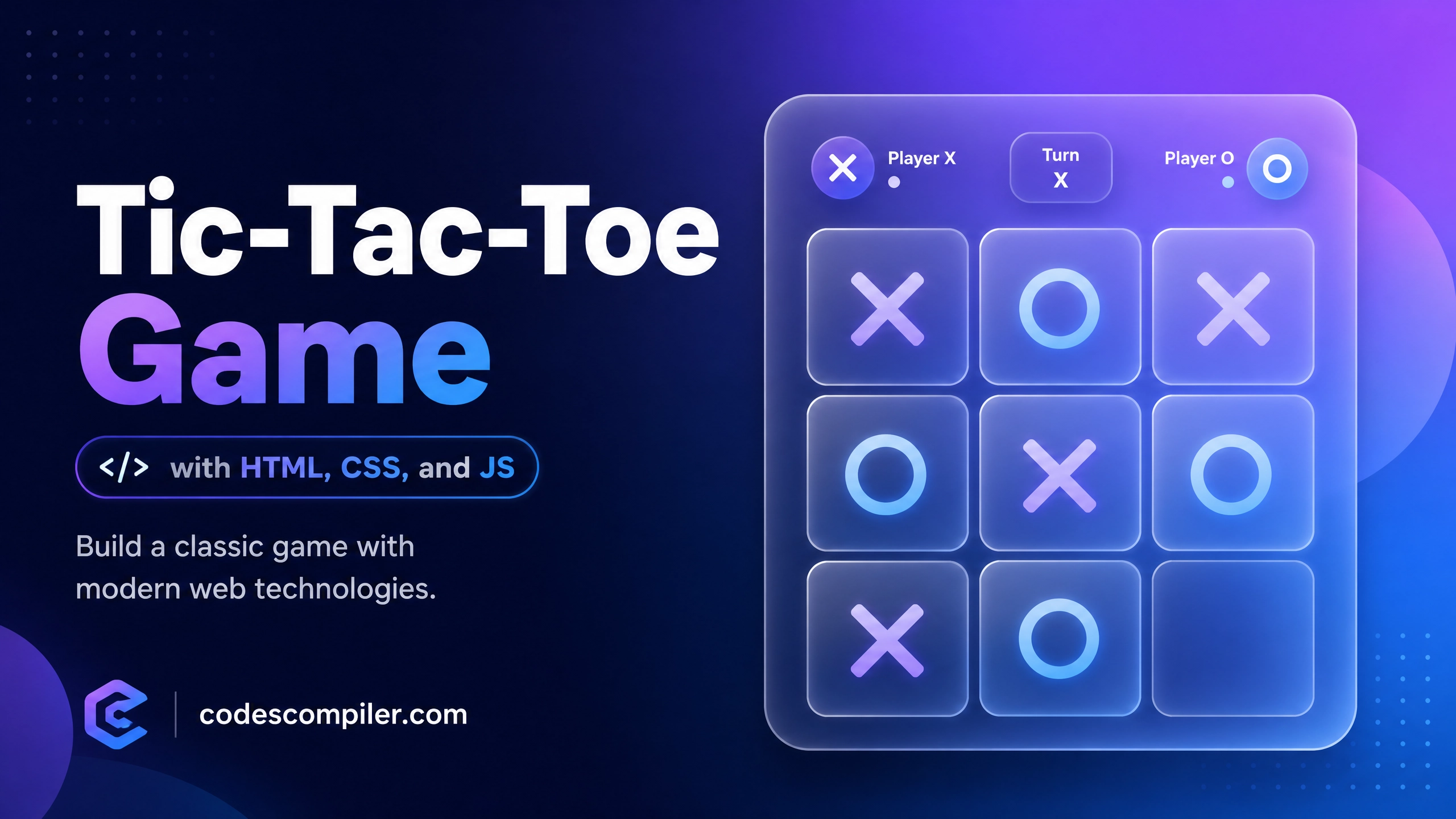
Create a Tic-Tac-Toe Game with HTML, CSS, and JS
Learn create a tic-tac-toe game with with this comprehensive guide containing source code and step-by-step instructions.
Welcome to this tutorial on Create a Tic-Tac-Toe Game with HTML, CSS, and JS. This is an automatically generated post based on popular examples to help you learn and implement this concept.
HTML Structure
Here is the basic HTML structure for this project:
HTML CODE
<div class="tic-tac-toe-container">
  <h2>Tic-Tac-Toe</h2>
  <div class="status-display">Player X's Turn</div>
  <div class="board">
    <div data-cell-index="0" class="cell"></div>
    <div data-cell-index="1" class="cell"></div>
    <div data-cell-index="2" class="cell"></div>
    <div data-cell-index="3" class="cell"></div>
    <div data-cell-index="4" class="cell"></div>
    <div data-cell-index="5" class="cell"></div>
    <div data-cell-index="6" class="cell"></div>
    <div data-cell-index="7" class="cell"></div>
    <div data-cell-index="8" class="cell"></div>
  </div>
  <button class="restart-btn">Restart Game</button>
</div>
CSS Styling
Style your component using the following CSS:
CSS CODE
.tic-tac-toe-container {
  display: flex;
  flex-direction: column;
  align-items: center;
  justify-content: center;
  min-height: 100vh;
  background: linear-gradient(135deg, #667eea 0%, #764ba2 100%);
  font-family: 'Inter', sans-serif;
  color: white;
}
.tic-tac-toe-container h2 {
  font-size: 3rem;
  margin-bottom: 10px;
  text-shadow: 2px 2px 4px rgba(0,0,0,0.3);
}
.status-display {
  font-size: 1.5rem;
  margin-bottom: 20px;
  font-weight: bold;
}
.board {
  display: grid;
  grid-template-columns: repeat(3, 100px);
  grid-template-rows: repeat(3, 100px);
  gap: 10px;
  background: rgba(255, 255, 255, 0.1);
  padding: 15px;
  border-radius: 15px;
  box-shadow: 0 8px 32px 0 rgba(31, 38, 135, 0.37);
  backdrop-filter: blur(4px);
  border: 1px solid rgba(255, 255, 255, 0.18);
}
.cell {
  width: 100px;
  height: 100px;
  background: rgba(255, 255, 255, 0.8);
  border-radius: 10px;
  display: flex;
  align-items: center;
  justify-content: center;
  font-size: 4rem;
  font-weight: bold;
  color: #333;
  cursor: pointer;
  transition: all 0.3s ease;
  box-shadow: inset 0 -4px 0 rgba(0,0,0,0.1);
}
.cell:hover {
  background: #fff;
  transform: translateY(-2px);
}
.cell.x { color: #ff4757; }
.cell.o { color: #2ed573; }
.restart-btn {
  margin-top: 30px;
  padding: 12px 24px;
  font-size: 1.2rem;
  font-weight: 600;
  color: #764ba2;
  background: #fff;
  border: none;
  border-radius: 50px;
  cursor: pointer;
  box-shadow: 0 4px 15px rgba(0,0,0,0.2);
  transition: transform 0.2s, box-shadow 0.2s;
}
.restart-btn:hover {
  transform: translateY(-2px);
  box-shadow: 0 6px 20px rgba(0,0,0,0.3);
}
JavaScript Logic (if applicable)
For dynamic behavior, you can use the following JavaScript snippet:
JAVASCRIPT CODE
document.addEventListener('DOMContentLoaded', () => {
    const statusDisplay = document.querySelector('.status-display');
    const cells = document.querySelectorAll('.cell');
    const restartBtn = document.querySelector('.restart-btn');
    if(!statusDisplay || cells.length === 0) return;

    let gameActive = true;
    let currentPlayer = "X";
    let gameState = ["", "", "", "", "", "", "", "", ""];

    const winningMessage = () => `Player ${currentPlayer} has won!`;
    const drawMessage = () => `Game ended in a draw!`;
    const currentPlayerTurn = () => `Player ${currentPlayer}'s Turn`;

    statusDisplay.innerHTML = currentPlayerTurn();

    const winningConditions = [
        [0, 1, 2], [3, 4, 5], [6, 7, 8],
        [0, 3, 6], [1, 4, 7], [2, 5, 8],
        [0, 4, 8], [2, 4, 6]
    ];

    function handleCellPlayed(clickedCell, clickedCellIndex) {
        gameState[clickedCellIndex] = currentPlayer;
        clickedCell.innerHTML = currentPlayer;
        clickedCell.classList.add(currentPlayer.toLowerCase());
    }

    function handlePlayerChange() {
        currentPlayer = currentPlayer === "X" ? "O" : "X";
        statusDisplay.innerHTML = currentPlayerTurn();
    }

    function handleResultValidation() {
        let roundWon = false;
        for (let i = 0; i <= 7; i++) {
            const winCondition = winningConditions[i];
            let a = gameState[winCondition[0]];
            let b = gameState[winCondition[1]];
            let c = gameState[winCondition[2]];
            if (a === '' || b === '' || c === '') continue;
            if (a === b && b === c) {
                roundWon = true;
                break;
            }
        }

        if (roundWon) {
            statusDisplay.innerHTML = winningMessage();
            gameActive = false;
            return;
        }

        let roundDraw = !gameState.includes("");
        if (roundDraw) {
            statusDisplay.innerHTML = drawMessage();
            gameActive = false;
            return;
        }

        handlePlayerChange();
    }

    function handleCellClick(clickedCellEvent) {
        const clickedCell = clickedCellEvent.target;
        const clickedCellIndex = parseInt(clickedCell.getAttribute('data-cell-index'));

        if (gameState[clickedCellIndex] !== "" || !gameActive) return;

        handleCellPlayed(clickedCell, clickedCellIndex);
        handleResultValidation();
    }

    function handleRestartGame() {
        gameActive = true;
        currentPlayer = "X";
        gameState = ["", "", "", "", "", "", "", "", ""];
        statusDisplay.innerHTML = currentPlayerTurn();
        cells.forEach(cell => {
            cell.innerHTML = "";
            cell.classList.remove('x', 'o');
        });
    }

    cells.forEach(cell => cell.addEventListener('click', handleCellClick));
    if(restartBtn) restartBtn.addEventListener('click', handleRestartGame);
});
Feel free to customize this code for your own projects!