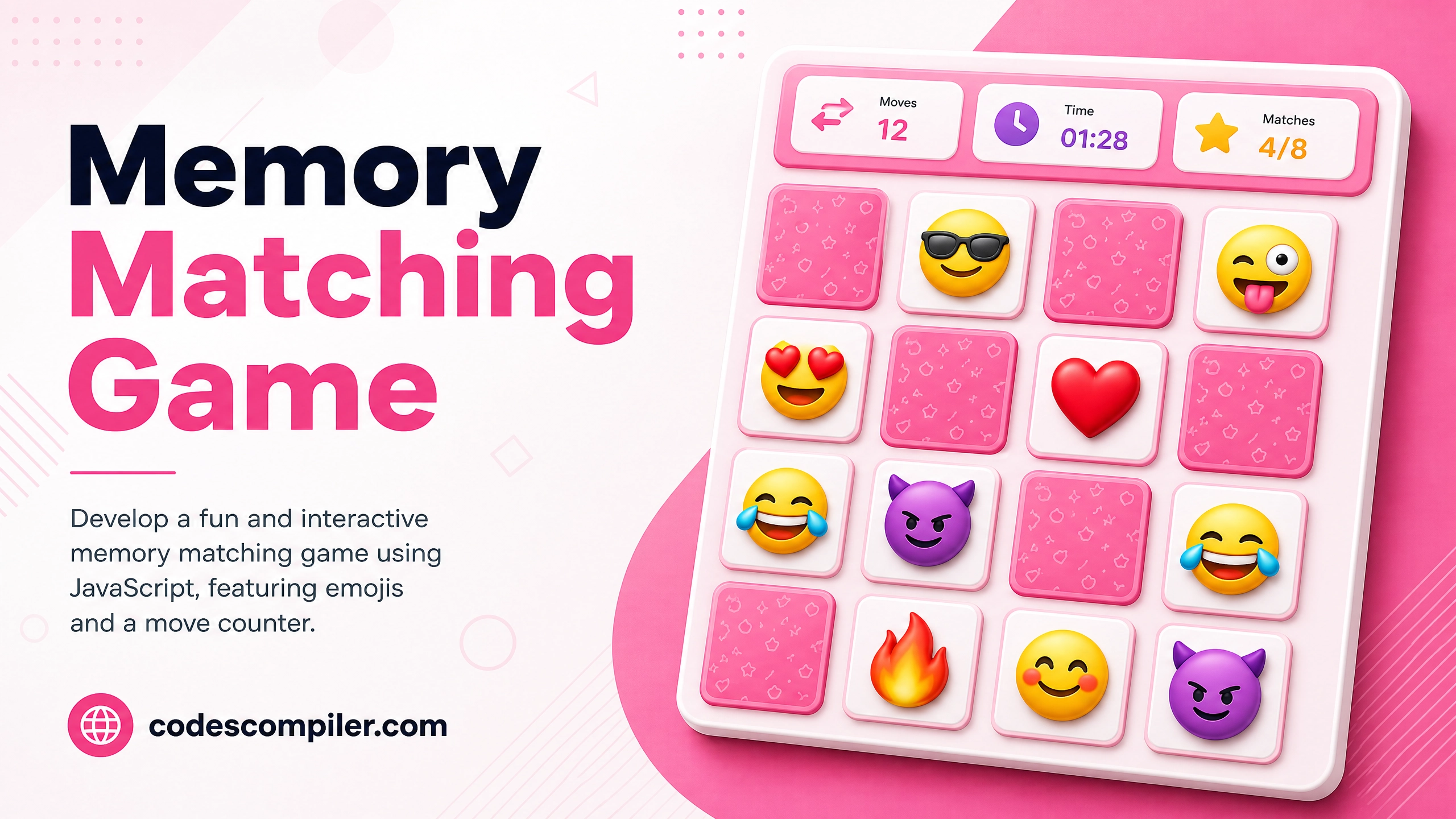
Develop a Memory Matching Game using JS
Learn develop a memory matching game with this comprehensive guide containing source code and step-by-step instructions.
Welcome to this tutorial on Develop a Memory Matching Game using JS. This is an automatically generated post based on popular examples to help you learn and implement this concept.
HTML Structure
Here is the basic HTML structure for this project:
HTML CODE
<div class="memory-game-container">
  <h2>Memory Matching Game</h2>
  <div class="stats">
    <div class="moves">Moves: <span id="moves-count">0</span></div>
    <div class="timer">Time: <span id="time-count">0</span>s</div>
  </div>
  <div class="memory-board">
    <!-- Cards will be generated here -->
  </div>
  <button id="restart-memory">Restart Game</button>
</div>
CSS Styling
Style your component using the following CSS:
CSS CODE
.memory-game-container {
  display: flex;
  flex-direction: column;
  align-items: center;
  justify-content: center;
  min-height: 100vh;
  background-color: #fce4ec;
  font-family: 'Inter', sans-serif;
  color: #333;
}
.memory-game-container h2 {
  font-size: 2.5rem;
  color: #c2185b;
  margin-bottom: 10px;
}
.stats {
  display: flex;
  gap: 30px;
  font-size: 1.2rem;
  font-weight: bold;
  margin-bottom: 20px;
  background: white;
  padding: 10px 20px;
  border-radius: 20px;
  box-shadow: 0 4px 6px rgba(0,0,0,0.1);
}
.memory-board {
  display: grid;
  grid-template-columns: repeat(4, 80px);
  gap: 15px;
  perspective: 1000px;
}
.memory-card {
  width: 80px;
  height: 80px;
  position: relative;
  transform-style: preserve-3d;
  transition: transform 0.5s;
  cursor: pointer;
}
.memory-card.flipped {
  transform: rotateY(180deg);
}
.memory-card-front,
.memory-card-back {
  position: absolute;
  width: 100%;
  height: 100%;
  backface-visibility: hidden;
  display: flex;
  justify-content: center;
  align-items: center;
  font-size: 2.5rem;
  border-radius: 12px;
  box-shadow: 0 4px 8px rgba(0,0,0,0.15);
}
.memory-card-front {
  background-color: #fff;
  transform: rotateY(180deg);
}
.memory-card-back {
  background-color: #e91e63;
  background-image: repeating-linear-gradient(45deg, transparent, transparent 10px, rgba(255,255,255,0.1) 10px, rgba(255,255,255,0.1) 20px);
}
#restart-memory {
  margin-top: 30px;
  padding: 12px 30px;
  font-size: 1.1rem;
  font-weight: bold;
  color: #fff;
  background-color: #c2185b;
  border: none;
  border-radius: 25px;
  cursor: pointer;
  box-shadow: 0 4px 10px rgba(194,24,91,0.3);
  transition: all 0.3s ease;
}
#restart-memory:hover {
  background-color: #ad1457;
  transform: translateY(-2px);
  box-shadow: 0 6px 15px rgba(194,24,91,0.4);
}
JavaScript Logic (if applicable)
For dynamic behavior, you can use the following JavaScript snippet:
JAVASCRIPT CODE
document.addEventListener('DOMContentLoaded', () => {
    const board = document.querySelector('.memory-board');
    const movesDisplay = document.getElementById('moves-count');
    const timeDisplay = document.getElementById('time-count');
    const restartBtn = document.getElementById('restart-memory');
    if(!board) return;

    const emojis = ['🌟', '🍎', '🚗', '🎈', '🍕', '🐱', '🎸', '⚽'];
    let cardsArray = [...emojis, ...emojis];

    let hasFlippedCard = false;
    let lockBoard = false;
    let firstCard, secondCard;
    let moves = 0;
    let timer;
    let seconds = 0;
    let matchedPairs = 0;

    function shuffle(array) {
        for (let i = array.length - 1; i > 0; i--) {
            const j = Math.floor(Math.random() * (i + 1));
            [array[i], array[j]] = [array[j], array[i]];
        }
    }

    function initGame() {
        board.innerHTML = '';
        shuffle(cardsArray);
        cardsArray.forEach(emoji => {
            const card = document.createElement('div');
            card.classList.add('memory-card');
            card.dataset.emoji = emoji;

            const front = document.createElement('div');
            front.classList.add('memory-card-front');
            front.textContent = emoji;

            const back = document.createElement('div');
            back.classList.add('memory-card-back');

            card.appendChild(front);
            card.appendChild(back);
            card.addEventListener('click', flipCard);
            board.appendChild(card);
        });

        moves = 0;
        seconds = 0;
        matchedPairs = 0;
        movesDisplay.textContent = moves;
        timeDisplay.textContent = seconds;
        clearInterval(timer);
        timer = setInterval(() => {
            seconds++;
            timeDisplay.textContent = seconds;
        }, 1000);
    }

    function flipCard() {
        if (lockBoard) return;
        if (this === firstCard) return;

        this.classList.add('flipped');

        if (!hasFlippedCard) {
            hasFlippedCard = true;
            firstCard = this;
            return;
        }

        secondCard = this;
        moves++;
        movesDisplay.textContent = moves;
        checkForMatch();
    }

    function checkForMatch() {
        let isMatch = firstCard.dataset.emoji === secondCard.dataset.emoji;

        if (isMatch) {
            disableCards();
            matchedPairs++;
            if (matchedPairs === emojis.length) {
                clearInterval(timer);
                setTimeout(() => alert(`You won in ${moves} moves and ${seconds} seconds!`), 500);
            }
        } else {
            unflipCards();
        }
    }

    function disableCards() {
        firstCard.removeEventListener('click', flipCard);
        secondCard.removeEventListener('click', flipCard);
        resetBoard();
    }

    function unflipCards() {
        lockBoard = true;
        setTimeout(() => {
            firstCard.classList.remove('flipped');
            secondCard.classList.remove('flipped');
            resetBoard();
        }, 1000);
    }

    function resetBoard() {
        [hasFlippedCard, lockBoard] = [false, false];
        [firstCard, secondCard] = [null, null];
    }

    restartBtn.addEventListener('click', initGame);
    initGame();
});
Feel free to customize this code for your own projects!