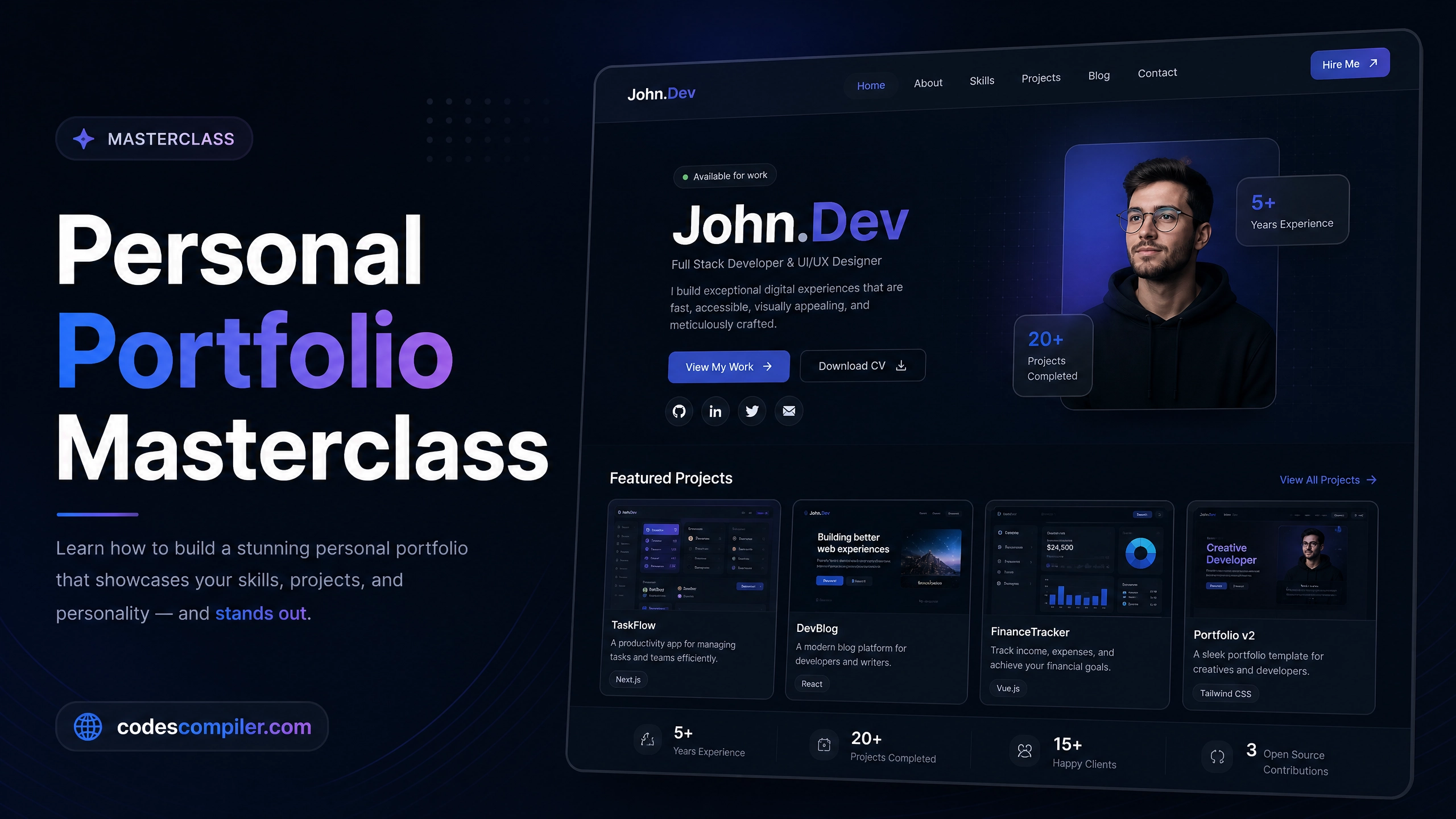
Create an Engaging Landing Page using HTML & CSS
Learn how to build a high-converting, beautifully designed landing page with floating UI elements, gradient blobs, and responsive layouts.
Welcome to this tutorial on Creating an Engaging Landing Page. A landing page is the digital storefront of your product. It needs to grab attention immediately, explain the value proposition clearly, and guide the user towards a Call To Action (CTA).
In this guide, we’ll build a modern SaaS landing page featuring floating stat cards, abstract gradient background blobs, and a clean typography system.
1. The Hero Layout
We use CSS Flexbox to split the .hero section perfectly in half: the left side for our text (.content) and the right side for our image (.visual).
<section class="hero">

  <div class="content">
    <h1>Manage your work with unparalleled ease.</h1>
    <p>NovaApp provides a central hub for all your team's tasks...</p>

    <div class="cta-group">
      <a href="#" class="btn-primary">Start Free Trial</a>
      <a href="#features" class="btn-secondary">Learn More</a>
    </div>
  </div>

  <div class="visual">
    <img src="dashboard.jpg" alt="Dashboard">
  </div>

</section>.hero {
min-height: 100vh; /* Takes full height of screen */
display: flex;
align-items: center; /* Centers items vertically */
padding: 0 5%;
}
.content, .visual {
flex: 1; /* Both sides take up exactly 50% width */
}2. Abstract Background Blobs
Modern designs often avoid harsh straight lines in the background. Instead, we can create soft, colorful “blobs” using border-radius: 50% and a heavy CSS filter: blur().
/* We place these absolute shapes behind our content */
.shape-1 {
  position: absolute;
  top: -100px;
  right: -100px;
  width: 500px;
  height: 500px;
  background: #fff7ed; /* Light orange */
  border-radius: 50%;
  z-index: -1;
  filter: blur(50px); /* This is the magic! */
}
3. Floating UI Cards
To make the static image feel more “alive”, we add floating stat cards that overlap the main image. We position them absolutely relative to the .visual container, and apply a CSS keyframe animation to make them bob up and down.
.stat-card {
  position: absolute;
  bottom: -30px;
  left: -30px;
  background: white;
  padding: 20px;
  border-radius: 16px;
  box-shadow: 0 20px 40px rgba(0,0,0,0.1);

  /* The animation */
  animation: float 4s ease-in-out infinite;
}

@keyframes float {
  0% { transform: translateY(0px); }
  50% { transform: translateY(-15px); }
  100% { transform: translateY(0px); }
}
4. Mobile Responsiveness
A landing page must look good on mobile devices. When the screen shrinks below 900px, we change the Flexbox direction from row to column so the text stacks on top of the image.
We also hide the floating stat cards, as they tend to clutter small screens.
@media (max-width: 900px) {
  .hero {
    flex-direction: column;
    text-align: center;
    padding-top: 120px;
  }

  .cta-group {
    justify-content: center;
  }

  .stat-card {
    display: none;
  }
}
With just pure HTML and CSS, you’ve built a premium marketing page that looks like it cost thousands of dollars. Check out the Live Demo to see the floating animations and gradient blur effects!