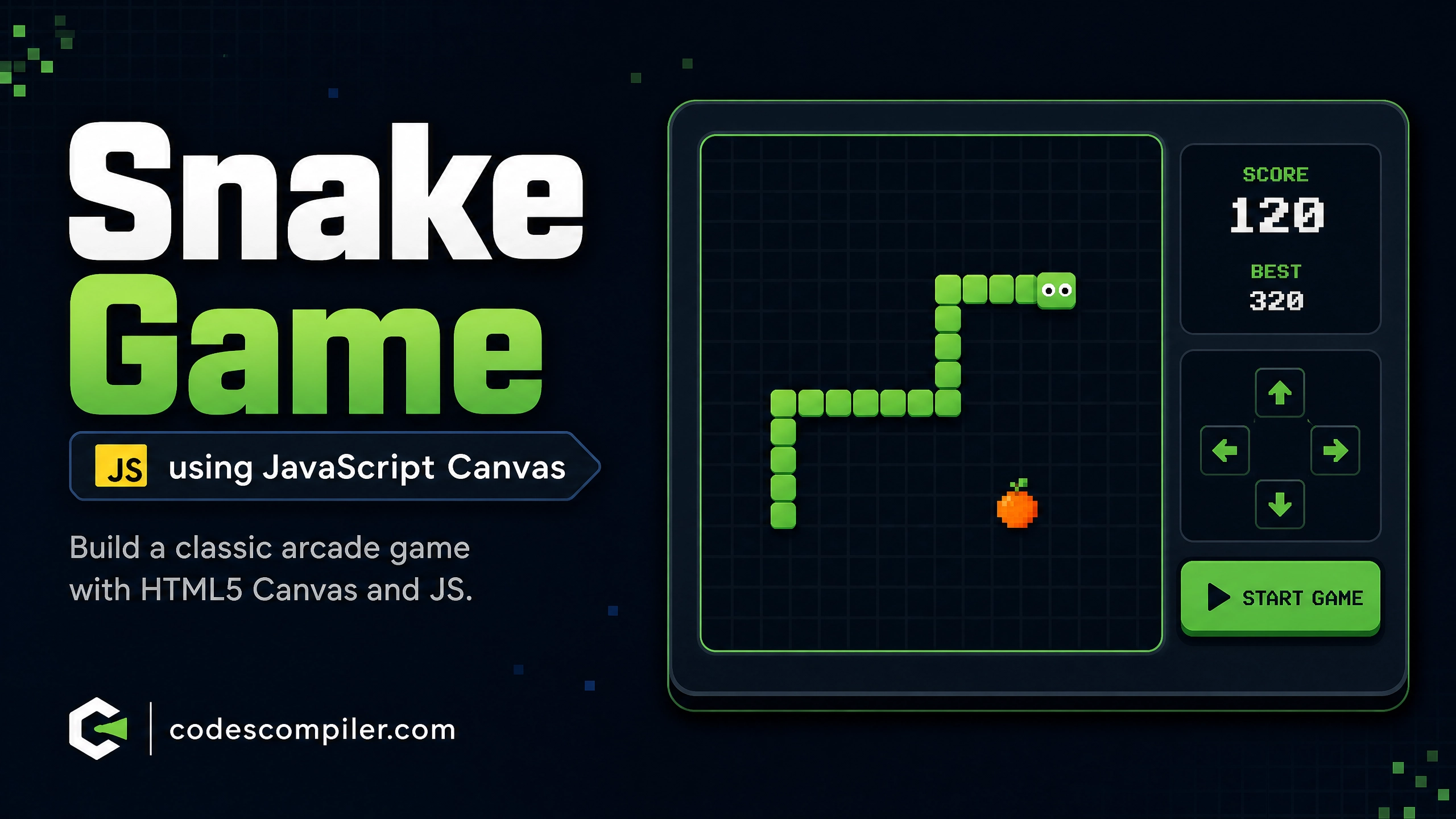
How to Build a Snake Game using JavaScript Canvas
Learn how to build a snake with this comprehensive guide containing source code and step-by-step instructions.
Welcome to this tutorial on How to Build a Snake Game using JavaScript Canvas. This is an automatically generated post based on popular examples to help you learn and implement this concept.
HTML Structure
Here is the basic HTML structure for this project:
HTML CODE
<div class="snake-game-container">
  <h2>Snake Game</h2>
  <div class="snake-score-board">Score: <span id="snake-score">0</span> | High Score: <span id="snake-highscore">0</span></div>
  <canvas id="snake-canvas" width="400" height="400"></canvas>
  <div class="controls">
    <p>Use Arrow Keys to Move</p>
    <button id="snake-start">Start / Restart</button>
  </div>
</div>
CSS Styling
Style your component using the following CSS:
CSS CODE
.snake-game-container {
  display: flex;
  flex-direction: column;
  align-items: center;
  justify-content: center;
  min-height: 100vh;
  background-color: #2b2b2b;
  font-family: 'Inter', sans-serif;
  color: #a9b7c6;
}
.snake-game-container h2 {
  font-size: 2.5rem;
  color: #cc7832;
  margin-bottom: 5px;
}
.snake-score-board {
  font-size: 1.2rem;
  margin-bottom: 20px;
  font-weight: 600;
  color: #9876aa;
}
#snake-canvas {
  background-color: #000;
  border: 4px solid #6a8759;
  border-radius: 8px;
  box-shadow: 0 10px 20px rgba(0,0,0,0.5);
}
.controls {
  margin-top: 20px;
  text-align: center;
}
.controls p {
  margin-bottom: 15px;
  font-size: 1rem;
}
#snake-start {
  padding: 10px 20px;
  font-size: 1.1rem;
  font-weight: bold;
  color: #2b2b2b;
  background-color: #6a8759;
  border: none;
  border-radius: 5px;
  cursor: pointer;
  transition: all 0.3s;
}
#snake-start:hover {
  background-color: #536c46;
}
JavaScript Logic (if applicable)
For dynamic behavior, you can use the following JavaScript snippet:
JAVASCRIPT CODE
document.addEventListener('DOMContentLoaded', () => {
    const canvas = document.getElementById('snake-canvas');
    if (!canvas) return;
    const ctx = canvas.getContext('2d');
    const scoreElement = document.getElementById('snake-score');
    const highScoreElement = document.getElementById('snake-highscore');
    const startBtn = document.getElementById('snake-start');

    const gridSize = 20;
    let snake = [];
    let food = {};
    let dx = gridSize;
    let dy = 0;
    let score = 0;
    let highScore = localStorage.getItem('snakeHighScore') || 0;
    let gameLoop;
    let isGameOver = true;

    highScoreElement.textContent = highScore;

    function initGame() {
        snake = [
            { x: 160, y: 160 },
            { x: 140, y: 160 },
            { x: 120, y: 160 }
        ];
        dx = gridSize;
        dy = 0;
        score = 0;
        scoreElement.textContent = score;
        isGameOver = false;
        placeFood();
        clearInterval(gameLoop);
        gameLoop = setInterval(update, 100);
    }

    function placeFood() {
        food = {
            x: Math.floor(Math.random() * (canvas.width / gridSize)) * gridSize,
            y: Math.floor(Math.random() * (canvas.height / gridSize)) * gridSize
        };
        for (let segment of snake) {
            if (segment.x === food.x && segment.y === food.y) {
                placeFood();
                break;
            }
        }
    }

    function update() {
        const head = { x: snake[0].x + dx, y: snake[0].y + dy };

        if (head.x < 0 || head.x >= canvas.width || head.y < 0 || head.y >= canvas.height) {
            gameOver();
            return;
        }

        for (let i = 0; i < snake.length; i++) {
            if (head.x === snake[i].x && head.y === snake[i].y) {
                gameOver();
                return;
            }
        }

        snake.unshift(head);

        if (head.x === food.x && head.y === food.y) {
            score += 10;
            scoreElement.textContent = score;
            placeFood();
        } else {
            snake.pop();
        }

        draw();
    }

    function draw() {
        ctx.fillStyle = '#000';
        ctx.fillRect(0, 0, canvas.width, canvas.height);

        ctx.fillStyle = '#cc7832';
        ctx.fillRect(food.x, food.y, gridSize - 2, gridSize - 2);

        snake.forEach((segment, index) => {
            ctx.fillStyle = index === 0 ? '#6a8759' : '#a5c261';
            ctx.fillRect(segment.x, segment.y, gridSize - 2, gridSize - 2);
        });
    }

    function gameOver() {
        clearInterval(gameLoop);
        isGameOver = true;
        if (score > highScore) {
            highScore = score;
            localStorage.setItem('snakeHighScore', highScore);
            highScoreElement.textContent = highScore;
        }
        ctx.fillStyle = 'rgba(0, 0, 0, 0.7)';
        ctx.fillRect(0, 0, canvas.width, canvas.height);
        ctx.fillStyle = '#fff';
        ctx.font = '30px Inter';
        ctx.textAlign = 'center';
        ctx.fillText('Game Over!', canvas.width / 2, canvas.height / 2);
    }

    document.addEventListener('keydown', e => {
        if (isGameOver) return;
        const key = e.key;
        if (key === 'ArrowUp' && dy === 0) { dx = 0; dy = -gridSize; }
        else if (key === 'ArrowDown' && dy === 0) { dx = 0; dy = gridSize; }
        else if (key === 'ArrowLeft' && dx === 0) { dx = -gridSize; dy = 0; }
        else if (key === 'ArrowRight' && dx === 0) { dx = gridSize; dy = 0; }
    });

    if(startBtn) {
        startBtn.addEventListener('click', () => {
            initGame();
            startBtn.blur();
        });
    }

    draw();
});
Feel free to customize this code for your own projects!