How to Build Interactivity into your Site using JavaScript
Learn how to use vanilla JavaScript to build common interactive UI components like Tabs, Modals, Accordions, and Dark Mode toggles.
Welcome to this tutorial on Building Interactivity into your Site using JavaScript. While HTML provides structure and CSS provides styling, JavaScript is what brings your website to life.
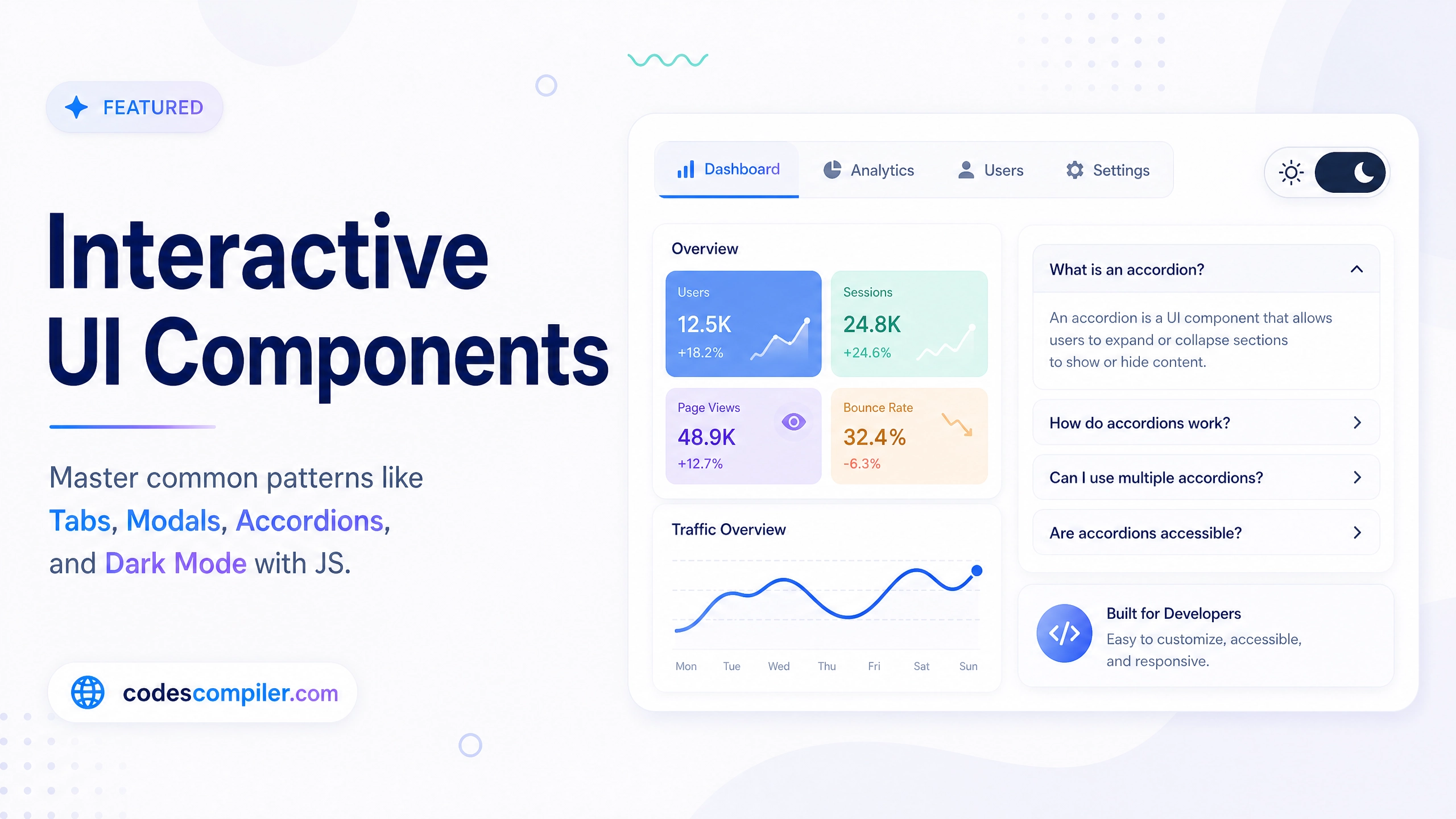
In this guide, we will build a single cohesive “Dashboard” component that demonstrates four of the most common interactive patterns on the web:
- Dark/Light Mode Toggle
- Tabbed Navigation
- Modal Popups
- Accordions
The HTML Structure
Our layout consists of a main .dashboard container holding the header, the tab navigation buttons, and the tab content panes. We also include a .modal-overlay hidden by default.
<div class="dashboard">
<div class="header">
<h2>Interactive UI</h2>
<button id="themeToggle">🌙 Dark Mode</button>
</div>
<!-- Tab Buttons -->
<div class="tabs">
<button class="tab-btn active" data-target="tab1">Overview</button>
<button class="tab-btn" data-target="tab2">Accordion</button>
</div>
<!-- Tab Contents -->
<div class="tab-content active" id="tab1">
<p>Welcome to the Overview!</p>
<button id="openModalBtn">Open Modal</button>
</div>
<div class="tab-content" id="tab2">
<!-- Accordions go here -->
</div>
</div>
<!-- Modal -->
<div class="modal-overlay" id="modalOverlay">
<div class="modal">
<button id="closeModalBtn">×</button>
<p>This is a modal!</p>
</div>
</div>The JavaScript Logic
We will use Vanilla JavaScript (no frameworks or libraries) to attach Event Listeners to our elements.
1. Dark Mode Toggle
We toggle a custom data attribute (data-theme="dark") on the <html> element. In our CSS, we use CSS variables (like --bg-color) that change their values when this attribute is present.
const themeToggle = document.getElementById('themeToggle');
const htmlElement = document.documentElement;

themeToggle.addEventListener('click', () => {
  const currentTheme = htmlElement.getAttribute('data-theme');
  if (currentTheme === 'dark') {
    htmlElement.removeAttribute('data-theme');
    themeToggle.textContent = '🌙 Dark Mode';
  } else {
    htmlElement.setAttribute('data-theme', 'dark');
    themeToggle.textContent = '☀️ Light Mode';
  }
});
2. Tab Switching Logic
When a tab button is clicked, we remove the active class from all buttons and all content panes. Then, we read the data-target attribute from the clicked button and add the active class to the corresponding content pane.
const tabBtns = document.querySelectorAll('.tab-btn');
const tabContents = document.querySelectorAll('.tab-content');

tabBtns.forEach(btn => {
  btn.addEventListener('click', () => {
    // Hide all
    tabBtns.forEach(b => b.classList.remove('active'));
    tabContents.forEach(c => c.classList.remove('active'));

    // Show selected
    btn.classList.add('active');
    const targetId = btn.getAttribute('data-target');
    document.getElementById(targetId).classList.add('active');
  });
});
3. Modal Popup Logic
Modals require opening, closing via an ‘X’ button, and closing when clicking on the dark overlay outside the modal itself.
const modalOverlay = document.getElementById('modalOverlay');
const openModalBtn = document.getElementById('openModalBtn');
const closeModalBtn = document.getElementById('closeModalBtn');

// Open
openModalBtn.addEventListener('click', () => {
  modalOverlay.classList.add('active');
});

// Close
closeModalBtn.addEventListener('click', () => {
  modalOverlay.classList.remove('active');
});

// Close when clicking outside the modal box
modalOverlay.addEventListener('click', (e) => {
  if (e.target === modalOverlay) {
    modalOverlay.classList.remove('active');
  }
});
4. Accordion Logic
Accordions are great for FAQs. We listen for clicks on the accordion header and toggle an active class on the parent item. Our CSS handles animating the max-height of the content smoothly.
const accordionHeaders = document.querySelectorAll('.accordion-header');

accordionHeaders.forEach(header => {
  header.addEventListener('click', () => {
    const accordionItem = header.parentElement;
    accordionItem.classList.toggle('active');
  });
});
By mastering these four basic patterns—listening for clicks and toggling CSS classes—you can build almost any interactive UI component imaginable. Check out the Live Demo to see all of these components working together seamlessly!