How to Create Awesome CSS Loading Spinners
Learn how to build 4 unique, lightweight, and modern CSS loading spinners using @keyframes animations.
Welcome to this tutorial on Creating Awesome CSS Loading Spinners. Using heavy GIF files for loading states is a thing of the past. Modern web development relies on CSS @keyframes to create crisp, infinitely scalable, and ultra-lightweight loading animations.
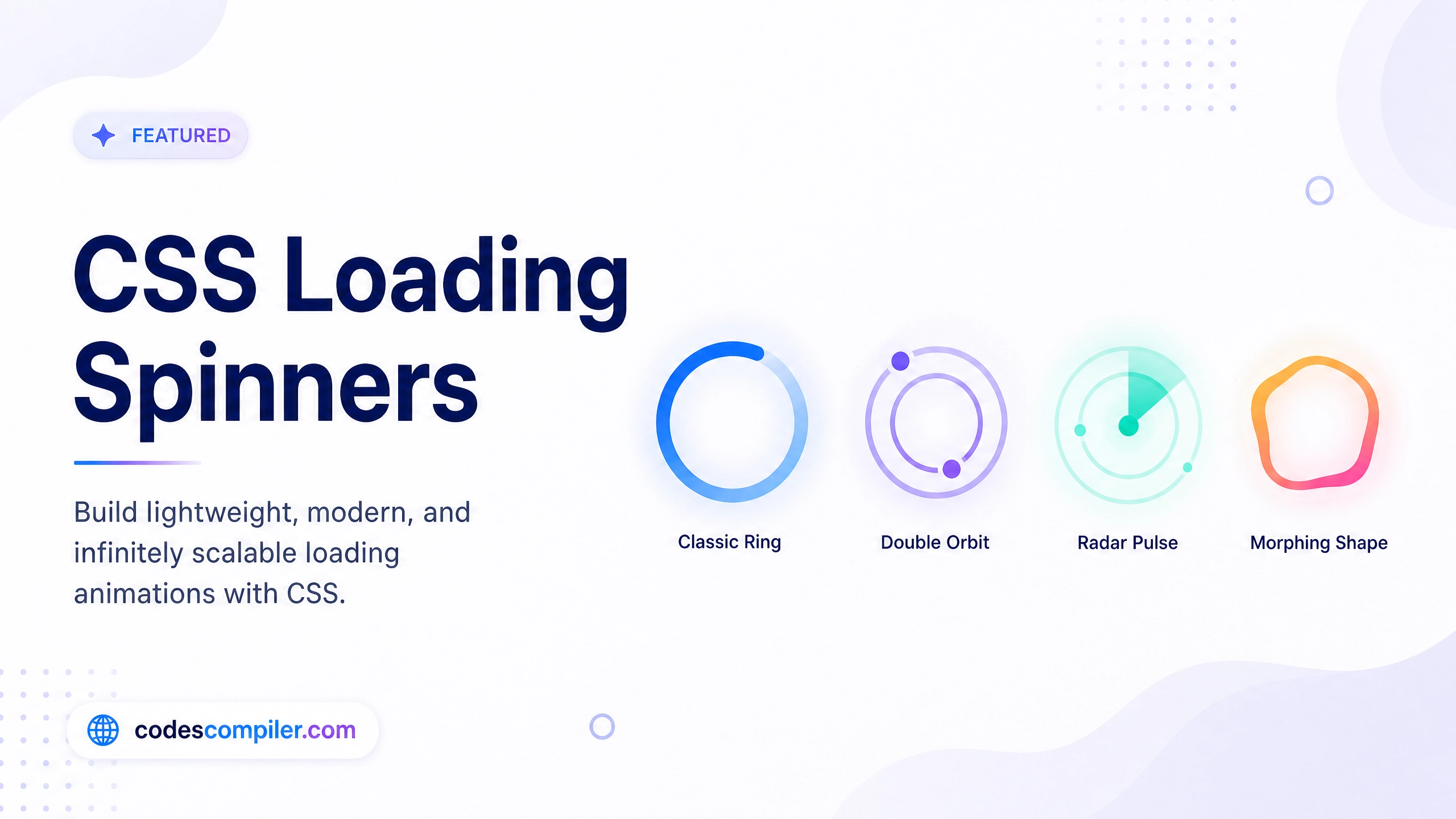
In this guide, we’ll build 4 distinct types of spinners.
1. The Classic Ring Spinner
This is the most common spinner on the web. It uses a single div with a border.
<div class="spinner-ring"></div>We make three sides of the border semi-transparent, and one side solid. Then, we simply rotate it endlessly.
.spinner-ring {
  width: 50px;
  height: 50px;
  border-radius: 50%;

  /* Make all borders faint */
  border: 5px solid rgba(56, 189, 248, 0.2);

  /* Make the top border solid */
  border-top-color: #38bdf8;

  /* Spin animation */
  animation: spin 1s linear infinite;
}

@keyframes spin {
  100% { transform: rotate(360deg); }
}
2. The Double Orbit Spinner
This spinner uses the ::before pseudo-element to create an inner ring that spins in the opposite direction.
<div class="spinner-orbit"></div>.spinner-orbit {
width: 50px; height: 50px;
border-radius: 50%;
border: 4px solid transparent;
border-top-color: #ec4899;
border-bottom-color: #ec4899;
animation: spin 1.5s ease-in-out infinite;
position: relative;
}
/* Inner Ring */
.spinner-orbit::before {
content: '';
position: absolute;
top: 5px; left: 5px; right: 5px; bottom: 5px;
border-radius: 50%;
border: 4px solid transparent;
border-left-color: #8b5cf6;
border-right-color: #8b5cf6;
/* Spin in reverse! */
animation: spin-reverse 1s linear infinite;
}
@keyframes spin-reverse {
100% { transform: rotate(-360deg); }
}3. The Radar Pulse
This doesn’t actually spin; it pulses outwards. We animate the scale and the opacity simultaneously.
.spinner-pulse {
  width: 50px; height: 50px;
  background-color: #10b981;
  border-radius: 50%;
  animation: pulse 1.2s infinite cubic-bezier(0.2, 0.8, 0.2, 1);
}

@keyframes pulse {
  0% {
    transform: scale(0);
    opacity: 1;
  }
  100% {
    transform: scale(1.5);
    opacity: 0;
  }
}
4. The Morphing Shape
This spinner animates the border-radius, making it transition smoothly from a harsh square into a perfect circle, while also spinning and changing color!
.spinner-morph {
  width: 40px; height: 40px;
  background-color: #f59e0b;
  animation: morph 2s infinite ease-in-out;
}

@keyframes morph {
  0% {
    border-radius: 0%;
    transform: rotate(0deg);
  }
  50% {
    border-radius: 50%; /* Becomes a circle */
    transform: rotate(180deg) scale(0.8);
    background-color: #ef4444; /* Changes color */
  }
  100% {
    border-radius: 0%;
    transform: rotate(360deg);
  }
}
With just a few lines of CSS, you can build loaders that perfectly match your brand’s aesthetic. Be sure to check out the Live Demo to see all four animations running flawlessly in the browser!