Advanced CSS Grid and Flexbox Layout Examples
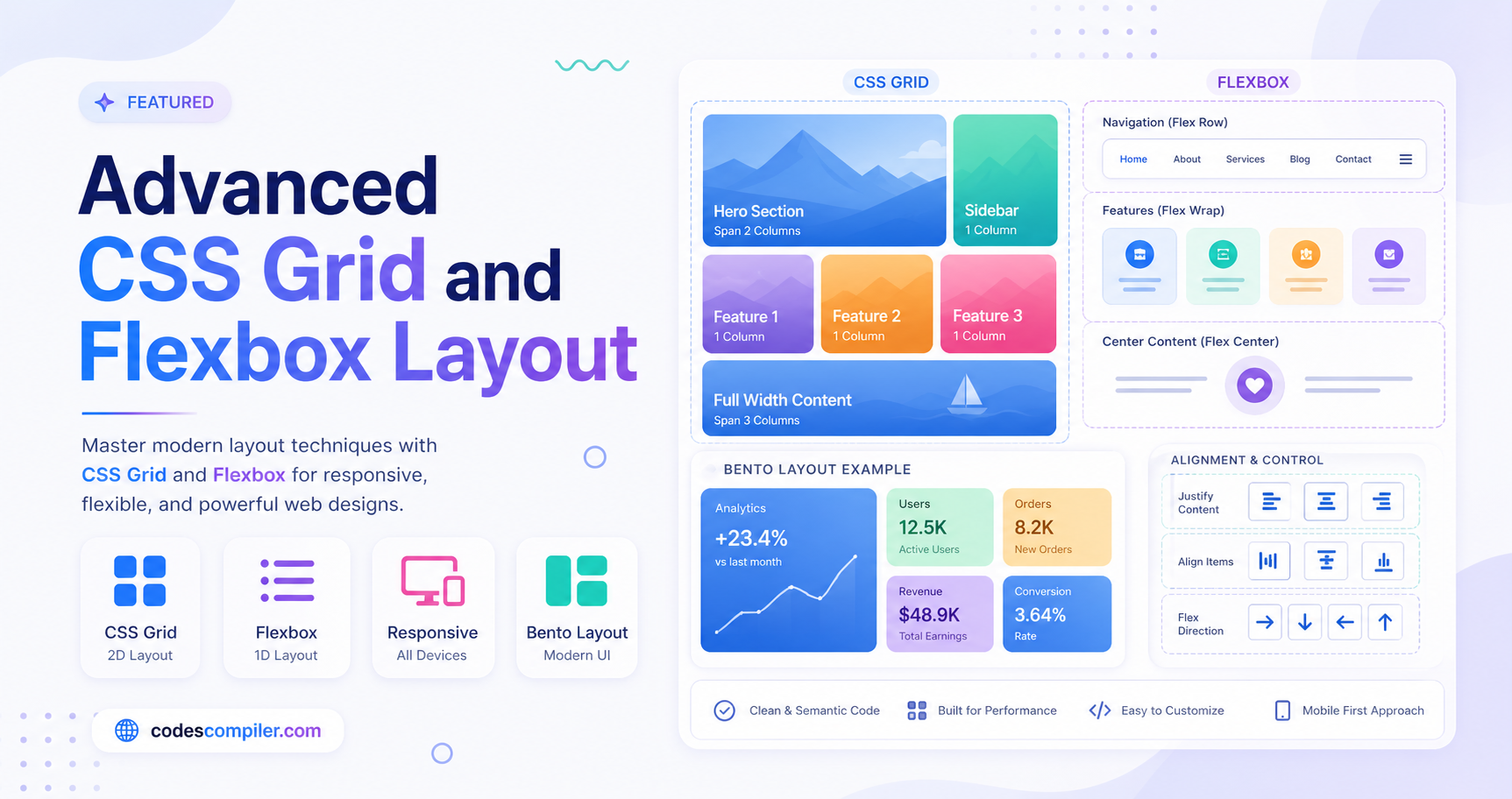
Master modern web design by building a stunning Bento Box dashboard UI using advanced CSS Grid and Flexbox techniques.
Welcome to this tutorial on Advanced CSS Grid and Flexbox Layouts. In modern web development, combining CSS Grid and Flexbox is the most powerful way to create complex, responsive, and beautiful user interfaces.
In this guide, we will build a modern “Bento Box” Dashboard UI. Bento layouts are highly popular right now (used by Apple, Microsoft, and many design agencies) because they organize content into neat, visually pleasing, and distinct compartments.
The HTML Structure
Our layout consists of a main grid container (.bento-container) and several child elements (.bento-box) representing different widgets like a profile card, statistics, a chart, and a featured project.
<div class="bento-container">

  <!-- Profile Card (Spans 2 Rows) -->
  <div class="bento-box profile-card span-row-2">
    <img src="https://i.pravatar.cc/150?img=68" alt="Profile">
    <h2>Alex Developer</h2>
    <p>Frontend Engineer</p>
  </div>

  <!-- Stats Cards -->
  <div class="bento-box stats-card">
    <div class="stats-value">24.5K</div>
  </div>
  <div class="bento-box stats-card">
    <div class="stats-value">92%</div>
  </div>

  <!-- Chart Card (Spans 2 Columns, 2 Rows) -->
  <div class="bento-box chart-card span-col-2 span-row-2">
    <h3>Weekly Activity</h3>
    <!-- Chart bars go here -->
  </div>

  <!-- Project Highlight (Spans 3 Columns) -->
  <div class="bento-box span-col-3 project-card">
    <div class="project-info">
      <h3>Bento Box Dashboard</h3>
      <p>A modern, responsive dashboard UI built entirely with CSS Grid and Flexbox.</p>
    </div>
  </div>

</div>
Advanced CSS Styling
Here is where the magic happens. We use CSS Grid for the overall macro-layout (defining columns and rows) and Flexbox for the micro-layouts inside each individual box.
1. The Grid Container
We define a 4-column grid. We also create utility classes like .span-col-2 and .span-row-2 to allow individual boxes to take up more space, creating that dynamic Bento look.
.bento-container {
  display: grid;
  grid-template-columns: repeat(4, 1fr);
  grid-template-rows: repeat(3, 200px);
  gap: 1.5rem;
  max-width: 1100px;
  width: 100%;
}

/* Grid Span Utilities */
.span-col-2 { grid-column: span 2; }
.span-col-3 { grid-column: span 3; }
.span-row-2 { grid-row: span 2; }
2. Glassmorphism Bento Boxes
To make the UI look premium, we apply a glassmorphism effect to the boxes using backdrop-filter and semi-transparent backgrounds.
.bento-box {
  background: rgba(30, 41, 59, 0.7);
  border: 1px solid rgba(255, 255, 255, 0.1);
  border-radius: 24px;
  padding: 1.5rem;
  backdrop-filter: blur(10px);
  transition: transform 0.3s ease, box-shadow 0.3s ease;

  /* Flexbox for internal layout */
  display: flex;
  flex-direction: column;
  overflow: hidden;
}

.bento-box:hover {
  transform: translateY(-5px);
  box-shadow: 0 20px 25px -5px rgba(0, 0, 0, 0.3);
}
3. Flexbox Internals
Inside the boxes, Flexbox handles alignment perfectly. For instance, centering the profile card content or spacing out a project card horizontally.
.profile-card {
  justify-content: center;
  align-items: center;
  text-align: center;
  background: linear-gradient(135deg, #6366f1 0%, #a855f7 100%);
}

.project-card {
  display: flex;
  flex-direction: row;
  align-items: center;
  gap: 1.5rem;
}
4. Responsive Design
CSS Grid makes responsiveness a breeze. We simply redefine the grid-template-columns and reset our spanning utility classes for smaller screens.
@media (max-width: 1024px) {
  .bento-container {
    grid-template-columns: repeat(3, 1fr);
    grid-template-rows: auto;
  }
}

@media (max-width: 768px) {
  .bento-container {
    grid-template-columns: repeat(2, 1fr);
  }
  .project-card {
    grid-column: span 2;
  }
  .span-col-2 { grid-column: span 2; }
  .span-row-2 { grid-row: auto; height: 250px; }
}

@media (max-width: 480px) {
  .bento-container {
    grid-template-columns: 1fr;
  }
  .bento-box {
    grid-column: span 1 !important;
    height: auto !important;
    min-height: 200px;
  }
  .project-card {
    flex-direction: column;
    text-align: center;
  }
}
By mastering the combination of CSS Grid for the macro-structure and Flexbox for the micro-structure, you can build practically any modern interface. Check out the live demo to see this Bento layout in action!