How to Build a Responsive Website Layout in HTML & CSS
Learn how to build a modern, fully responsive website layout from scratch using HTML5, CSS Flexbox, and CSS Grid.
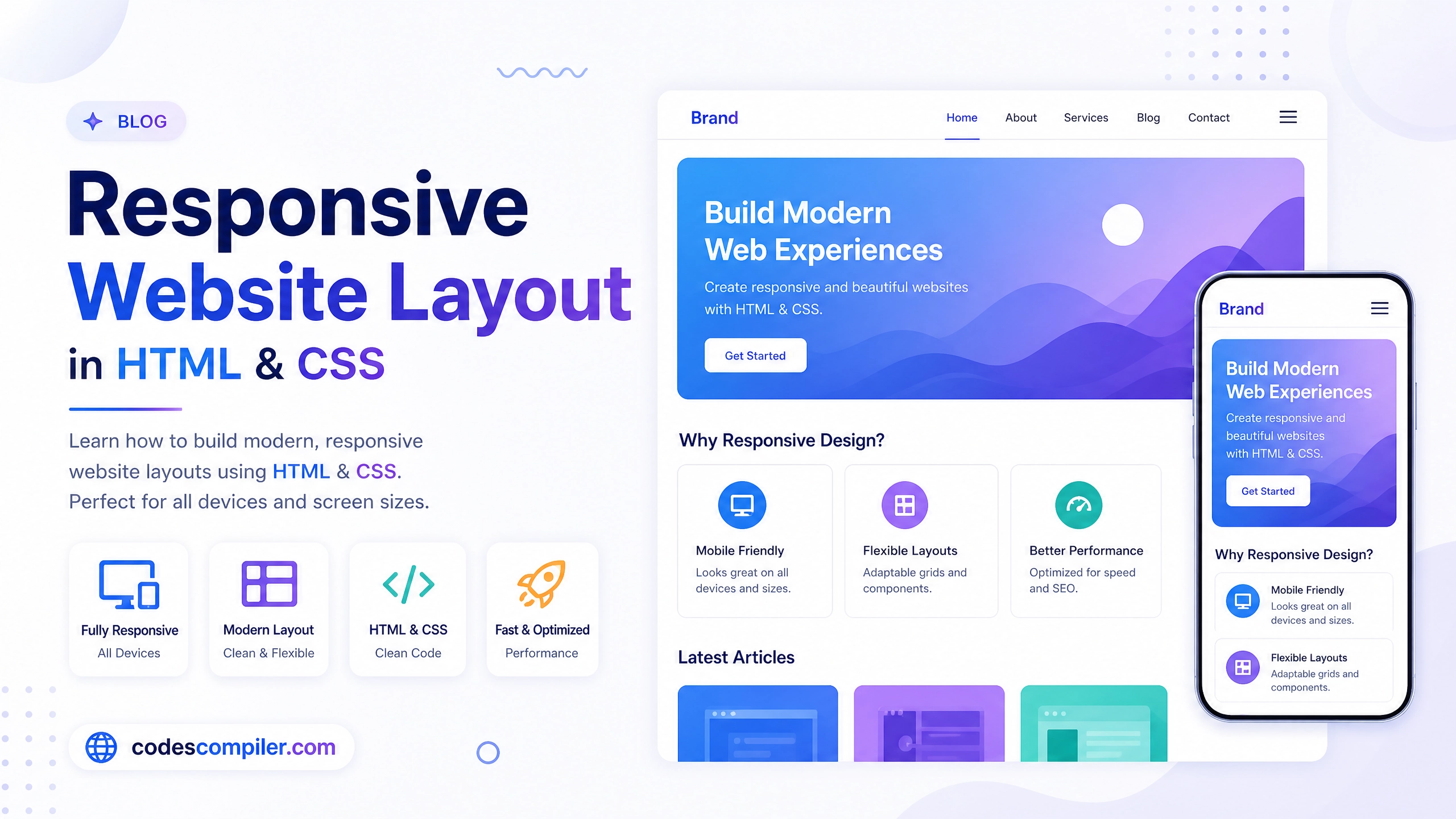
Welcome to this comprehensive tutorial on Building a Responsive Website Layout. In today’s mobile-first world, ensuring your website looks flawless on desktops, tablets, and smartphones is absolutely critical.
In this guide, we will build a modern, premium landing page layout entirely from scratch using HTML5, CSS Flexbox, CSS Grid, and Media Queries.
1. The HTML Structure
A standard responsive landing page consists of a Navbar, a Hero Section, a Features Section, and a Footer. We wrap the contents of each section in a .container div to restrict the maximum width on large screens.
<!-- Navbar -->
<nav class="navbar">
  <div class="container nav-container">
    <a href="#" class="logo">Brand.</a>
    <ul class="nav-links" id="navLinks">
      <li><a href="#">Home</a></li>
      <li><a href="#">Features</a></li>
      <li><a href="#">Contact</a></li>
    </ul>
    <button class="menu-btn" id="menuBtn">☰</button>
  </div>
</nav>

<!-- Hero Section -->
<section class="hero">
  <div class="container hero-container">
    <div class="hero-content">
      <h1>Build Faster With <span>Modern Layouts</span></h1>
      <p>Create stunning, responsive websites in minutes.</p>
      <a href="#" class="btn-primary">Start Building</a>
    </div>
    <div class="hero-image">
      <!-- Image goes here -->
    </div>
  </div>
</section>

<!-- Features Section -->
<section class="features">
  <div class="container">
    <h2>Why Choose Us?</h2>
    <div class="features-grid">
      <div class="feature-card">...</div>
      <div class="feature-card">...</div>
      <div class="feature-card">...</div>
    </div>
  </div>
</section>
2. Basic CSS & Desktop Layout
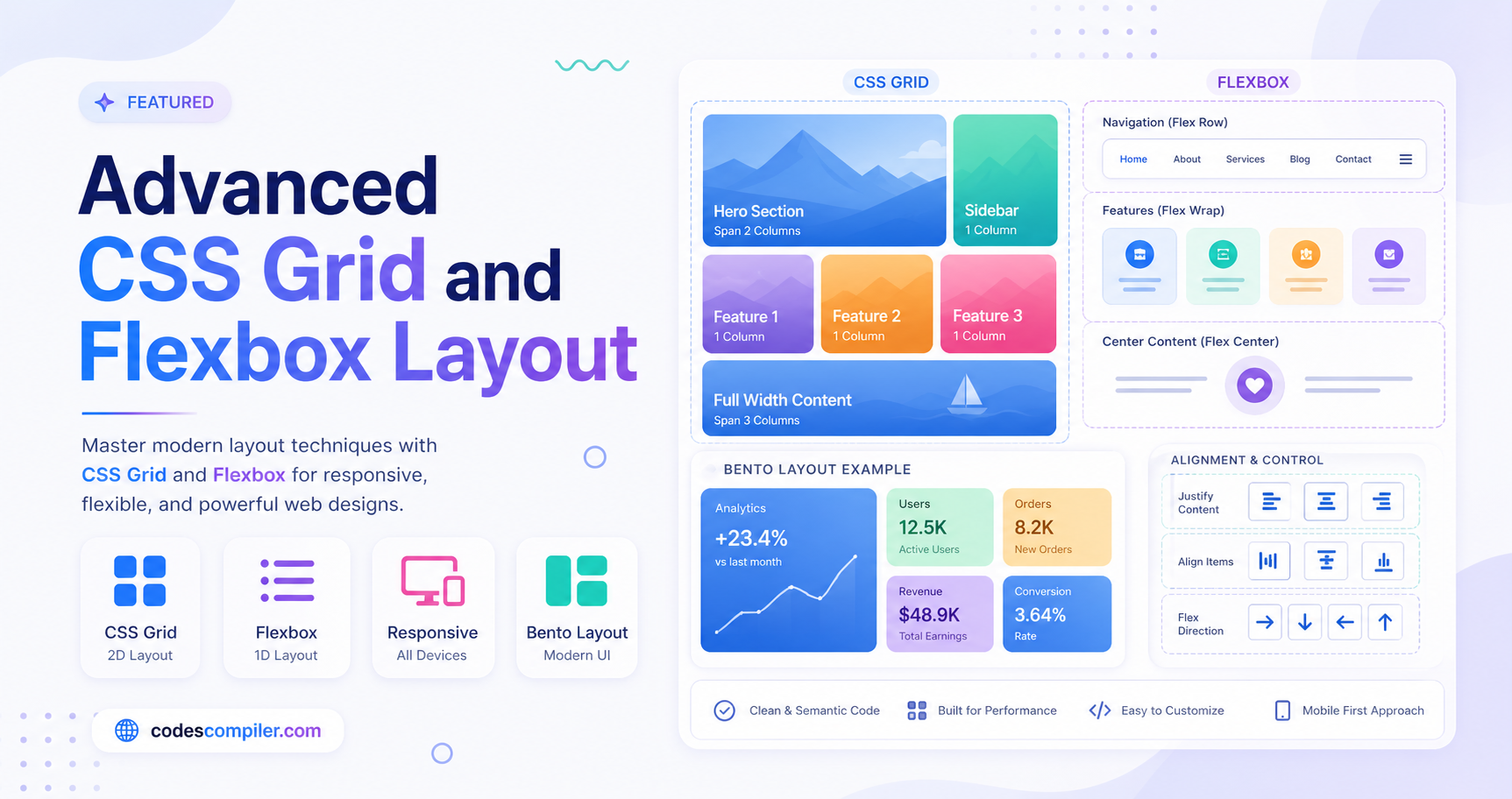
We’ll start by defining the global styles and the layout for large screens (desktops). We rely heavily on CSS Flexbox for aligning the navbar and hero section, and CSS Grid for the 3-column features section.
/* Container Constraints */
.container {
  max-width: 1200px;
  margin: 0 auto;
  padding: 0 20px;
}

/* Navbar (Flexbox) */
.nav-container {
  display: flex;
  justify-content: space-between;
  align-items: center;
  height: 70px;
}
.menu-btn { display: none; } /* Hidden on desktop */

/* Hero Section (Flexbox) */
.hero-container {
  display: flex;
  align-items: center;
  gap: 40px;
}
.hero-content, .hero-image {
  flex: 1; /* Both take up equal 50% width */
}

/* Features Section (CSS Grid) */
.features-grid {
  display: grid;
  grid-template-columns: repeat(3, 1fr); /* 3 equal columns */
  gap: 30px;
}
3. Responsive Media Queries
Now, we use Media Queries to change the layout for smaller screens. This is what makes the website “responsive”.
Tablet View (max-width: 992px)
On tablets, we stack the hero section vertically instead of side-by-side, and we change the features grid from 3 columns to 2 columns.
@media (max-width: 992px) {
  /* Stack the Hero Section */
  .hero-container {
    flex-direction: column;
    text-align: center;
  }

  /* Change Grid to 2 Columns */
  .features-grid {
    grid-template-columns: repeat(2, 1fr);
  }
}
Mobile View (max-width: 768px)
On mobile phones, we hide the desktop navigation links, show the hamburger menu button, and change the features grid to a single column layout.
@media (max-width: 768px) {
  /* Hide Navbar Links */
  .nav-links {
    display: none;
    position: absolute;
    top: 70px;
    left: 0;
    width: 100%;
    background: white;
    flex-direction: column;
  }

  /* Show Hamburger Button */
  .menu-btn {
    display: block;
  }

  /* Change Grid to 1 Column */
  .features-grid {
    grid-template-columns: 1fr;
  }
}
4. Mobile Menu JavaScript
To make the hamburger menu button actually work on mobile, we need a tiny snippet of JavaScript to toggle an active class on our navigation links.
const menuBtn = document.getElementById('menuBtn');
const navLinks = document.getElementById('navLinks');

menuBtn.addEventListener('click', () => {
  navLinks.classList.toggle('active');

  // Change icon based on state
  if (navLinks.classList.contains('active')) {
    menuBtn.innerHTML = '✕';
  } else {
    menuBtn.innerHTML = '☰';
  }
});
And that’s it! By combining Flexbox, CSS Grid, and Media Queries, you can easily build beautiful layouts that look perfect on every device. Check out the Live Demo to see the full code and resize your browser to see the responsiveness in action!