Build Beautiful Bouncing Loaders with CSS
Learn how to use CSS @keyframes to build smooth, beautiful bouncing loading animations for your website.
Welcome to this tutorial on Building Beautiful Bouncing Loaders with CSS. Loading states are a crucial part of UX design. Instead of using generic GIFs or heavy JavaScript libraries, you can build smooth, crisp animations using pure CSS.
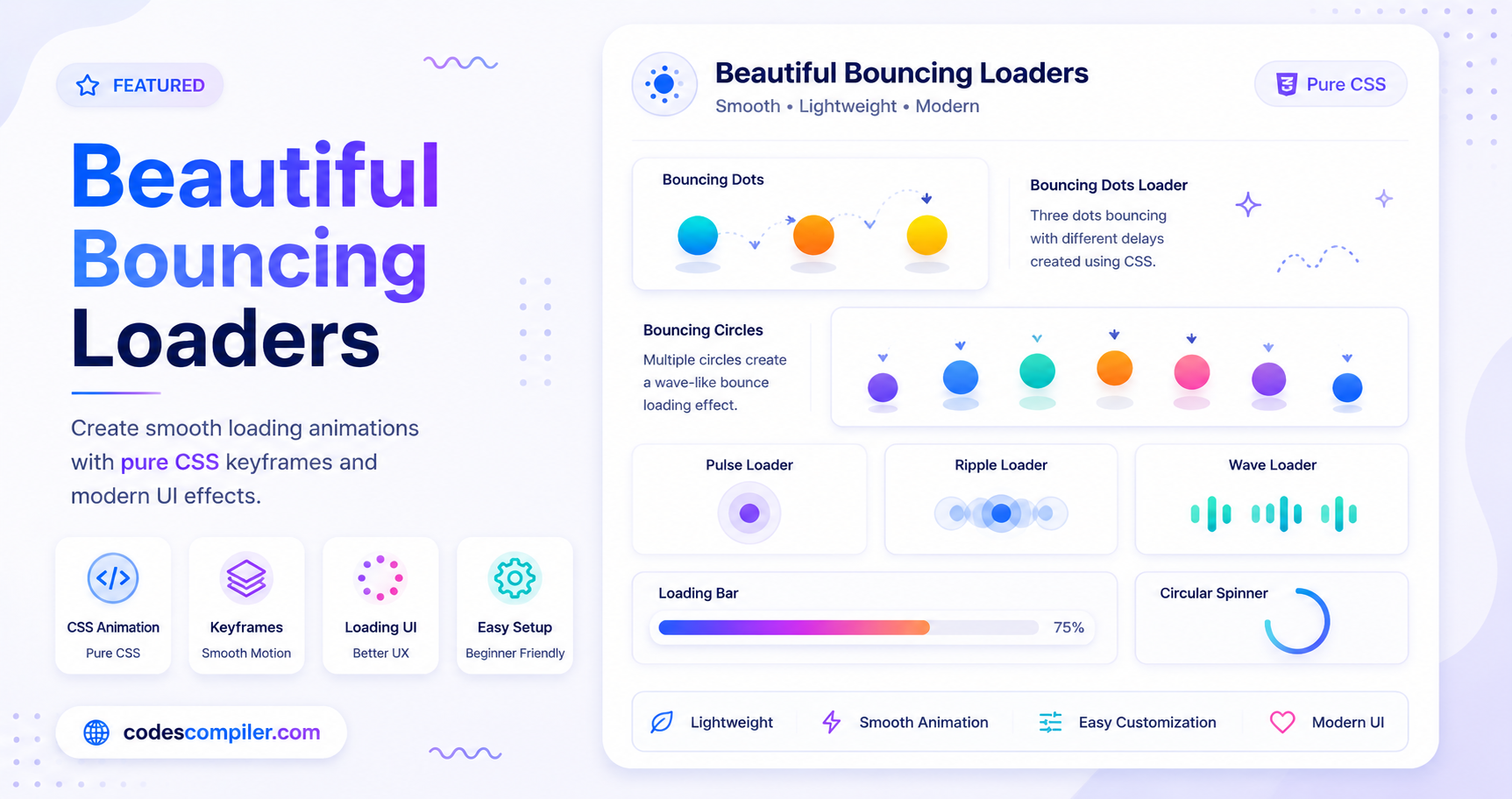
In this guide, we will build a classic Bouncing Dots Loader using CSS @keyframes.
The HTML Structure
The structure for a bouncing dots loader is incredibly simple. We just need a container and three empty div elements representing the dots.
<div class="bouncing-dots">
  <div class="dot"></div>
  <div class="dot"></div>
  <div class="dot"></div>
</div>
The CSS Styling
First, we need to style our container using Flexbox to place the dots in a row with a small gap. Then, we style the dots themselves as circles using border-radius: 50%.
.bouncing-dots {
  display: flex;
  gap: 8px; /* Space between the dots */
  justify-content: center;
  align-items: center;
}

.bouncing-dots .dot {
  width: 16px;
  height: 16px;
  background-color: #f43f5e;
  border-radius: 50%;
}
The CSS Animation
The magic happens with the @keyframes rule. We will define an animation called bounce that moves the dot upwards on the Y-axis.
@keyframes bounce {
  from {
    transform: translateY(0);
  }
  to {
    transform: translateY(-20px);
  }
}
Now, we apply this animation to all the .dot elements.
- We use a duration of
0.5s. - We use
infiniteto make it loop forever. - We use
alternateso it plays forwards (moves up) then backwards (moves down), creating a seamless bouncing effect. - We use a custom
cubic-beziertiming function to make the bounce feel physically realistic (slowing down at the top of the bounce).
.bouncing-dots .dot {
  /* previous styles... */
  animation: bounce 0.5s cubic-bezier(0.19, 0.57, 0.3, 0.98) infinite alternate;
}
Staggering the Animation
If we leave it as is, all three dots will bounce at the exact same time. To create the wave effect, we must delay the animation for the second and third dots using animation-delay and the :nth-child selector. We can also give them different colors!
/* First dot starts immediately (no delay needed) */

/* Second dot */
.bouncing-dots .dot:nth-child(2) {
  animation-delay: 0.1s;
  background-color: #fb923c;
}

/* Third dot */
.bouncing-dots .dot:nth-child(3) {
  animation-delay: 0.2s;
  background-color: #facc15;
}
And that’s it! By adjusting the animation-delay and the height of the translateY, you can create endless variations of this loader. Check out the Live Demo to see this loader (and a few others) in action!