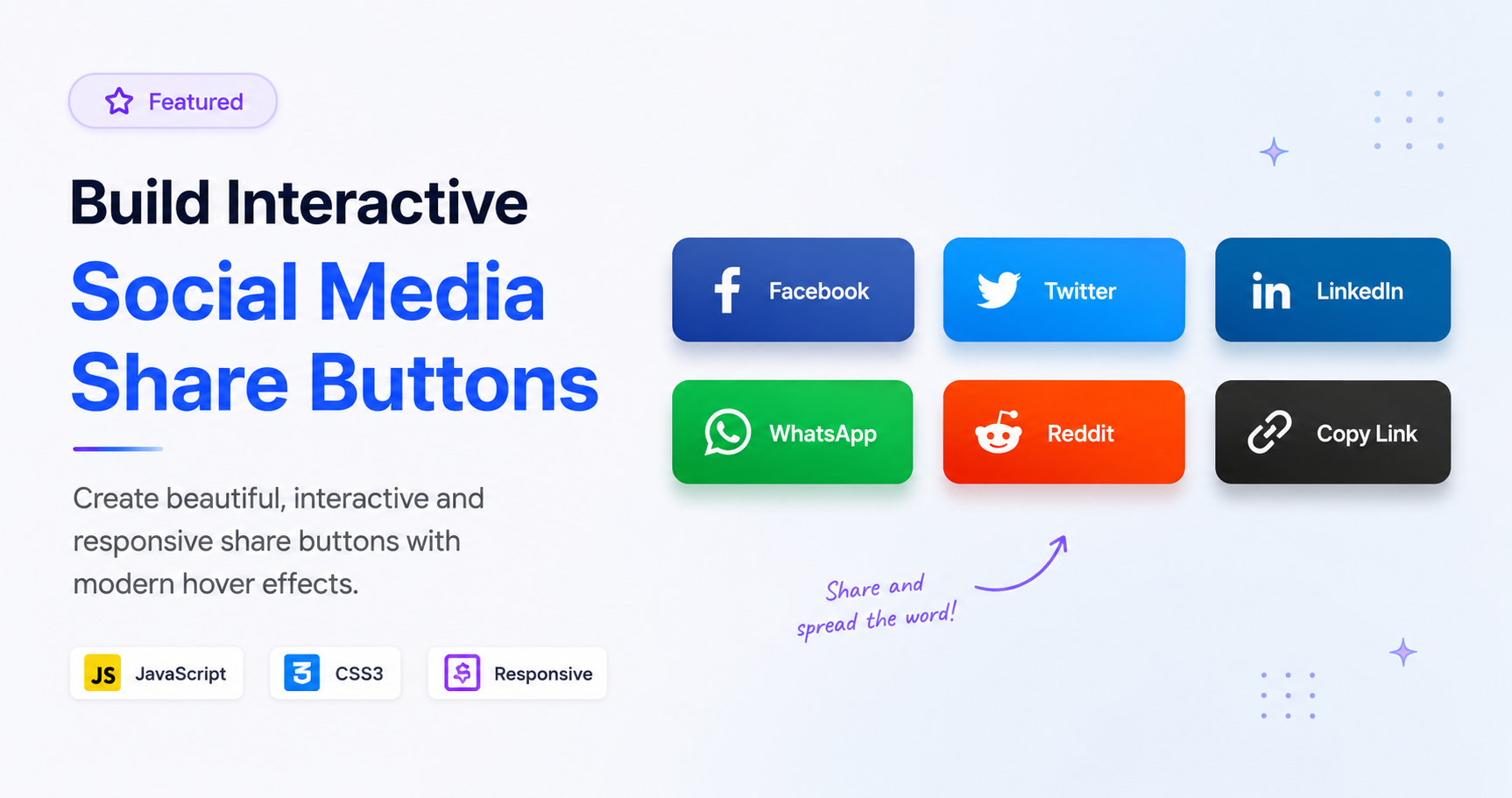
Build Interactive Social Media Share Buttons
Learn build interactive social media share with this comprehensive guide containing source code and step-by-step instructions.
Welcome to this tutorial on Build Interactive Social Media Share Buttons.
HTML Structure
HTML CODE
<div class="share-container">
  <div class="share-menu">
    <div class="share-btn toggle-btn">
      <svg viewBox="0 0 24 24" fill="none" stroke="currentColor" stroke-width="2" stroke-linecap="round" stroke-linejoin="round"><circle cx="18" cy="5" r="3"></circle><circle cx="6" cy="12" r="3"></circle><circle cx="18" cy="19" r="3"></circle><line x1="8.59" y1="13.51" x2="15.42" y2="17.49"></line><line x1="15.41" y1="6.51" x2="8.59" y2="10.49"></line></svg>
    </div>
    <a href="#" class="share-btn twitter" style="--i:1;">
      <svg viewBox="0 0 24 24" fill="currentColor"><path d="M24 4.557c-.883.392-1.832.656-2.828.775 1.017-.609 1.798-1.574 2.165-2.724-.951.564-2.005.974-3.127 1.195-.897-.957-2.178-1.555-3.594-1.555-3.179 0-5.515 2.966-4.797 6.045-4.091-.205-7.719-2.165-10.148-5.144-1.29 2.213-.669 5.108 1.523 6.574-.806-.026-1.566-.247-2.229-.616-.054 2.281 1.581 4.415 3.949 4.89-.693.188-1.452.232-2.224.084.626 1.956 2.444 3.379 4.6 3.419-2.07 1.623-4.678 2.348-7.29 2.04 2.179 1.397 4.768 2.212 7.548 2.212 9.142 0 14.307-7.721 13.995-14.646.962-.695 1.797-1.562 2.457-2.549z"/></svg>
    </a>
    <a href="#" class="share-btn facebook" style="--i:2;">
      <svg viewBox="0 0 24 24" fill="currentColor"><path d="M9 8h-3v4h3v12h5v-12h3.642l.358-4h-4v-1.667c0-.955.192-1.333 1.115-1.333h2.885v-5h-3.808c-3.596 0-5.192 1.583-5.192 4.615v3.385z"/></svg>
    </a>
    <a href="#" class="share-btn instagram" style="--i:3;">
      <svg viewBox="0 0 24 24" fill="none" stroke="currentColor" stroke-width="2" stroke-linecap="round" stroke-linejoin="round"><rect x="2" y="2" width="20" height="20" rx="5" ry="5"></rect><path d="M16 11.37A4 4 0 1 1 12.63 8 4 4 0 0 1 16 11.37z"></path><line x1="17.5" y1="6.5" x2="17.51" y2="6.5"></line></svg>
    </a>
    <a href="#" class="share-btn linkedin" style="--i:4;">
      <svg viewBox="0 0 24 24" fill="currentColor"><path d="M4.98 3.5c0 1.381-1.11 2.5-2.48 2.5s-2.48-1.119-2.48-2.5c0-1.38 1.11-2.5 2.48-2.5s2.48 1.12 2.48 2.5zm.02 4.5h-5v16h5v-16zm7.982 0h-4.968v16h4.969v-8.399c0-4.67 6.029-5.052 6.029 0v8.399h4.988v-10.131c0-7.88-8.922-7.593-11.018-3.714v-2.155z"/></svg>
    </a>
  </div>
</div>
CSS Styling
CSS CODE
body { margin: 0; display: flex; justify-content: center; align-items: center; min-height: 100vh; background: #f8fafc; font-family: sans-serif; }

.share-container { position: relative; }

.share-menu { position: relative; display: flex; align-items: center; justify-content: center; width: 250px; height: 250px; }

.share-btn { position: absolute; display: flex; justify-content: center; align-items: center; width: 60px; height: 60px; border-radius: 50%; background: #fff; box-shadow: 0 10px 25px rgba(0,0,0,0.1); cursor: pointer; transition: all 0.5s cubic-bezier(0.68, -0.55, 0.265, 1.55); text-decoration: none; color: #333; z-index: 10; }

.share-btn svg { width: 24px; height: 24px; transition: 0.3s; }

.toggle-btn { background: #3b82f6; color: white; z-index: 20; font-size: 24px; box-shadow: 0 10px 25px rgba(59, 130, 246, 0.4); }

.share-menu.active .toggle-btn { transform: rotate(135deg); background: #ef4444; box-shadow: 0 10px 25px rgba(239, 68, 68, 0.4); }

/* Circular Positioning Variables */
.share-menu.active .share-btn:not(.toggle-btn) {
  transform: rotate(calc(var(--i) * 90deg)) translateY(-90px) rotate(calc(var(--i) * -90deg));
  opacity: 1;
}

.share-btn:not(.toggle-btn) { transform: translateY(0); opacity: 0; pointer-events: none; }
.share-menu.active .share-btn:not(.toggle-btn) { pointer-events: auto; }

/* Brand Colors */
.twitter:hover { background: #1da1f2; color: #fff; }
.facebook:hover { background: #1877f2; color: #fff; }
.instagram:hover { background: #e4405f; color: #fff; }
.linkedin:hover { background: #0a66c2; color: #fff; }

.share-btn:hover svg { transform: scale(1.2); }
JavaScript Logic
JAVASCRIPT CODE
document.querySelector('.toggle-btn').addEventListener('click', function() {
  document.querySelector('.share-menu').classList.toggle('active');
});