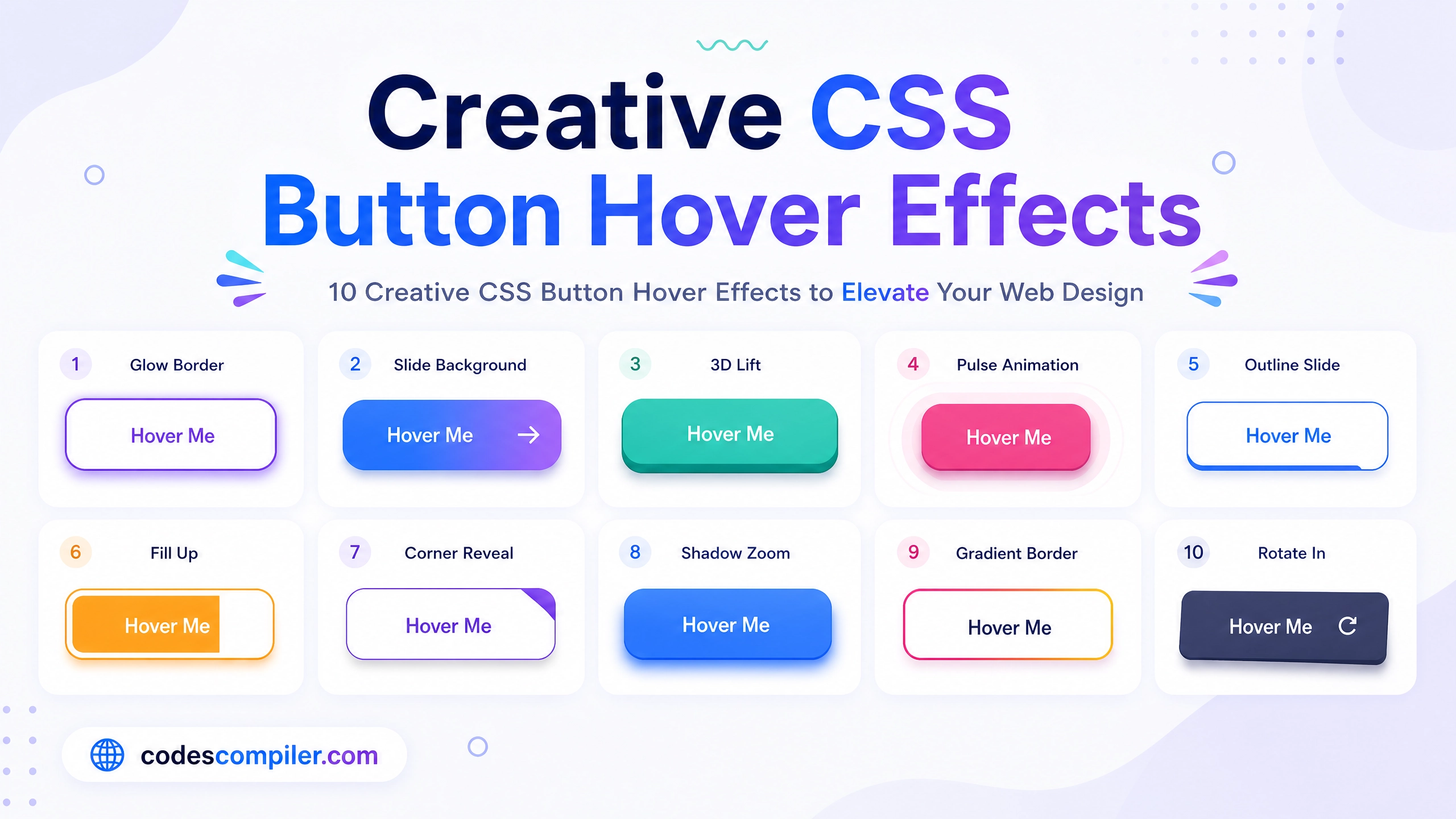
Create Animated Gradient Buttons using HTML CSS
Learn create animated gradient buttons with this comprehensive guide containing source code.
Welcome to this tutorial on Create Animated Gradient Buttons using HTML CSS.
HTML Structure
HTML CODE
<div class="gradient-container">
  <button class="grad-btn btn-aurora"><span>Aurora Borealis</span></button>
  <button class="grad-btn btn-sunset"><span>Sunset Glow</span></button>
  <button class="grad-btn btn-ocean"><span>Deep Ocean</span></button>
  <button class="grad-btn btn-cyber"><span>Cyberpunk</span></button>
</div>
CSS Styling
CSS CODE
@import url('https://fonts.googleapis.com/css2?family=Poppins:wght@500;700&display=swap');

body { margin: 0; padding: 0; display: flex; justify-content: center; align-items: center; min-height: 100vh; background: #000; font-family: 'Poppins', sans-serif; }

.gradient-container { display: flex; flex-direction: column; gap: 40px; align-items: center; }

.grad-btn { position: relative; padding: 20px 60px; font-size: 1.2rem; font-weight: 700; color: #fff; border: none; border-radius: 50px; cursor: pointer; text-transform: uppercase; letter-spacing: 2px; overflow: hidden; background-size: 300% 300%; animation: gradientMove 5s ease infinite; transition: all 0.3s ease; box-shadow: 0 10px 20px rgba(0,0,0,0.3); z-index: 1; }

.grad-btn span { position: relative; z-index: 2; }

/* The underlying blur effect */
.grad-btn::before { content: ''; position: absolute; top: -5px; left: -5px; right: -5px; bottom: -5px; z-index: -1; background: inherit; background-size: 300% 300%; animation: gradientMove 5s ease infinite; filter: blur(20px); opacity: 0; transition: opacity 0.3s ease; border-radius: 50px; }

.grad-btn:hover { transform: translateY(-5px); }
.grad-btn:hover::before { opacity: 1; }

/* Specific Gradients */
.btn-aurora { background-image: linear-gradient(-45deg, #00C9FF 0%, #92FE9D 100%); }
.btn-sunset { background-image: linear-gradient(-45deg, #FF512F 0%, #DD2476 100%); }
.btn-ocean { background-image: linear-gradient(-45deg, #2B32B2 0%, #1488CC 100%); }
.btn-cyber { background-image: linear-gradient(-45deg, #00f2fe 0%, #4facfe 50%, #f093fb 100%); }

@keyframes gradientMove { 0% { background-position: 0% 50%; } 50% { background-position: 100% 50%; } 100% { background-position: 0% 50%; } }
JavaScript Logic
JAVASCRIPT CODE
// Pure CSS gradient animations! No JavaScript required.