Build a JavaScript Countdown Timer (Source Code)
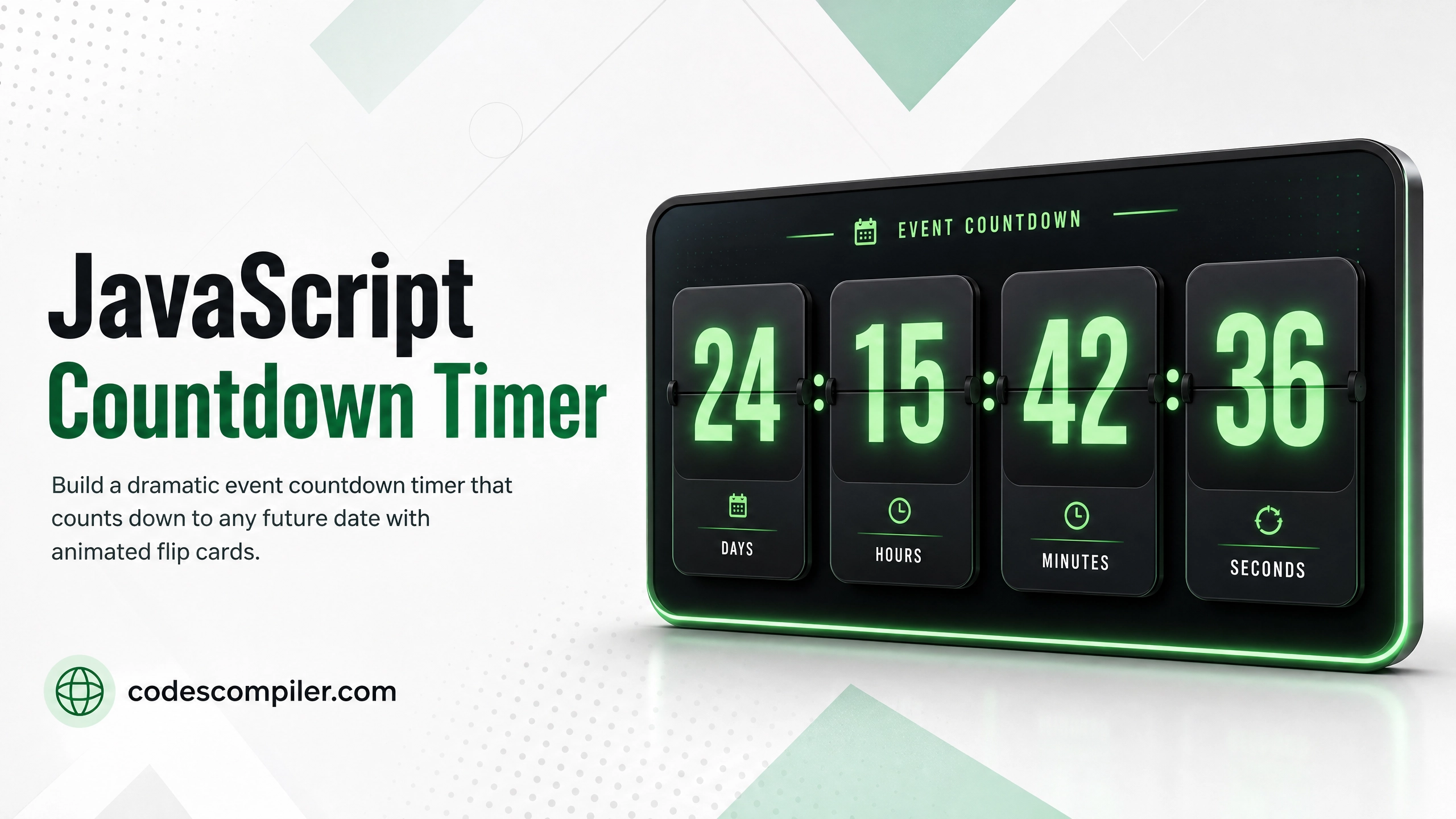
Build a dramatic event countdown timer that counts down to any future date, with animated flip cards for days, hours, minutes, and seconds.
Table of Contents
Countdown timers create urgency and excitement on event pages, product launches, and sales. We’ll build one that counts down to any date with a sharp UI and smooth live updates.
How setInterval Powers the Timer
The countdown uses Date objects to calculate the difference in milliseconds and break it into units:
function getTimeLeft(targetDate) {
  const now  = new Date().getTime();
  const then = new Date(targetDate).getTime();
  const diff = then - now;

  if (diff <= 0) return { days: 0, hours: 0, minutes: 0, seconds: 0, done: true };

  return {
    days:    Math.floor(diff / (1000 * 60 * 60 * 24)),
    hours:   Math.floor((diff % (1000 * 60 * 60 * 24)) / (1000 * 60 * 60)),
    minutes: Math.floor((diff % (1000 * 60 * 60)) / (1000 * 60)),
    seconds: Math.floor((diff % (1000 * 60)) / 1000),
    done:    false,
  };
}
Timer HTML
<section class="countdown-section">
  <h1 class="event-title">🚀 Product Launch</h1>
  <p class="event-subtitle">Launching on May 1, 2026 at midnight</p>

  <div class="timer-grid">
    <div class="timer-block">
      <div class="timer-number" id="days">00</div>
      <div class="timer-label">Days</div>
    </div>
    <div class="timer-sep">:</div>
    <div class="timer-block">
      <div class="timer-number" id="hours">00</div>
      <div class="timer-label">Hours</div>
    </div>
    <div class="timer-sep">:</div>
    <div class="timer-block">
      <div class="timer-number" id="minutes">00</div>
      <div class="timer-label">Minutes</div>
    </div>
    <div class="timer-sep">:</div>
    <div class="timer-block">
      <div class="timer-number" id="seconds">00</div>
      <div class="timer-label">Seconds</div>
    </div>
  </div>
</section>
Timer CSS
.timer-grid {
  display: flex;
  align-items: center;
  justify-content: center;
  gap: 16px;
  flex-wrap: wrap;
}

.timer-block {
  background: rgba(255,255,255,0.08);
  border: 1px solid rgba(255,255,255,0.15);
  border-radius: 20px;
  padding: 28px 32px;
  text-align: center;
  min-width: 110px;
  backdrop-filter: blur(8px);
  position: relative;
  overflow: hidden;
}
/* Glowing bottom border */
.timer-block::after {
  content: '';
  position: absolute;
  bottom: 0; left: 0; right: 0;
  height: 3px;
  background: linear-gradient(90deg, #04AA6D, #34d399);
}

.timer-number {
  font-size: clamp(42px, 8vw, 72px);
  font-weight: 900;
  color: #fff;
  font-variant-numeric: tabular-nums;
  line-height: 1;
}
.timer-label {
  font-size: 12px;
  font-weight: 700;
  text-transform: uppercase;
  letter-spacing: 0.1em;
  color: rgba(255,255,255,0.5);
  margin-top: 8px;
}
.timer-sep {
  font-size: 48px;
  font-weight: 900;
  color: rgba(255,255,255,0.3);
  line-height: 1;
  padding-bottom: 24px;
}
Update Function
// Set your target date here
const TARGET = '2026-05-01T00:00:00';

function pad(n) { return String(n).padStart(2, '0'); }

function tick() {
  const { days, hours, minutes, seconds, done } = getTimeLeft(TARGET);
  document.getElementById('days').textContent    = pad(days);
  document.getElementById('hours').textContent   = pad(hours);
  document.getElementById('minutes').textContent = pad(minutes);
  document.getElementById('seconds').textContent = pad(seconds);

  if (done) {
    clearInterval(interval);
    document.querySelector('.event-title').textContent = '🎉 We\'re Live!';
  }
}

const interval = setInterval(tick, 1000);
tick(); // Run immediately on load
Tip: Change
TARGETto any ISO date string to countdown to your own event!