Premium Luxury Watch Shop HTML/CSS Template
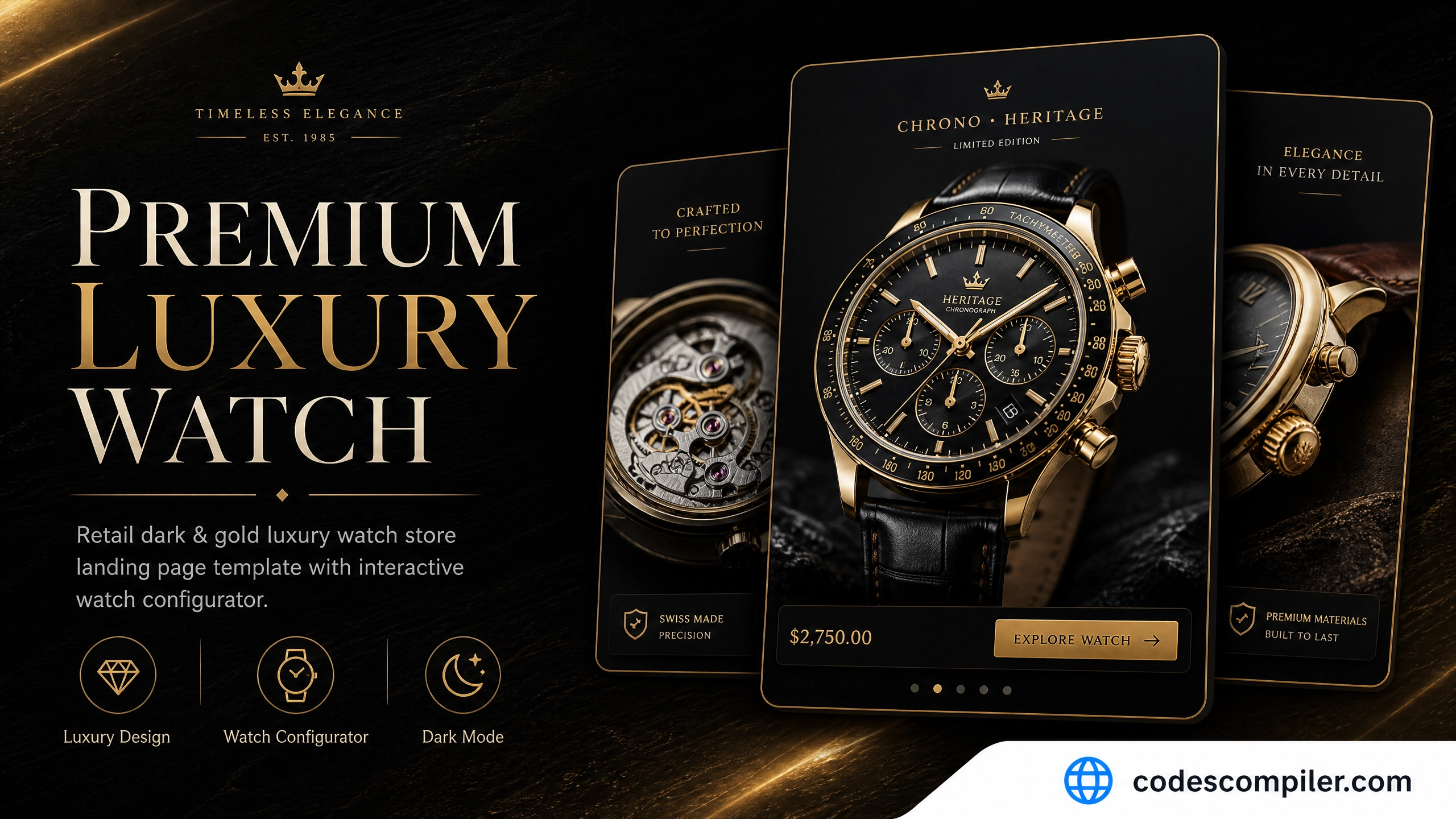
Download an retail dark & gold luxury watch store landing page template built with HTML and vanilla CSS. Features interactive watch configurator.
Table of Contents
An ultra-premium, dark luxury landing page tailored for high-end watchmakers and jewelry boutiques. It features high contrast layout aesthetics, metallic gold highlight typography, an interactive dial and strap configurator, and craftsmanship stories.
HTML Structure
<!-- Atelier Configurator Section -->
<section class="configurator-sec">
  <div class="configurator-layout">
    <div class="config-preview-panel">
      <div class="watch-face-silhouette" id="watch-face">
        <div class="watch-dial-hands"></div>
      </div>
      <div class="config-status-label" id="config-status">
        Configuration: Champagne Gold dial with Alligator Strap.
      </div>
    </div>

    <div class="config-controls">
      <h2>Atelier Customizer</h2>
      <div class="config-group-title">Dial Color</div>
      <div class="config-options">
        <button class="config-opt-btn active" onclick="configureWatch('dial', 'Champagne Gold', '#dfb15b', this)">Gold</button>
        <button class="config-opt-btn" onclick="configureWatch('dial', 'Obsidian Black', '#1c1c24', this)">Obsidian</button>
      </div>
    </div>
  </div>
</section>
CSS Styling
Here are the key styling definitions for Kronos configuration:
.watch-face-silhouette {
  width: 160px;
  height: 160px;
  border: 4px solid #dfb15b;
  border-radius: 50%;
  position: relative;
  background: #040406;
  box-shadow: 0 0 30px rgba(223, 177, 91, 0.15);
}
.config-opt-btn {
  background: rgba(255,255,255,0.02);
  border: 1px solid rgba(223, 177, 91, 0.12);
  color: #cbd5e1;
  padding: 10px 18px;
  cursor: pointer;
  transition: all 0.25s;
}
.config-opt-btn.active {
  background: #dfb15b;
  color: #040406;
  border-color: #dfb15b;
}
Configurator Logic
let activeDial = 'Champagne Gold';
let activeStrap = 'Alligator Strap';

function configureWatch(type, value, hex, buttonEl) {
  const parent = buttonEl.parentElement;
  parent.querySelectorAll('.config-opt-btn').forEach(btn => btn.classList.remove('active'));
  buttonEl.classList.add('active');

  if (type === 'dial') {
    activeDial = value;
    document.getElementById('watch-face').style.borderColor = hex;
  } else if (type === 'strap') {
    activeStrap = value;
  }
  document.getElementById('config-status').textContent = `Configuration: ${activeDial} dial with ${activeStrap}.`;
}