Build a JavaScript Live Form Validation (Source Code)
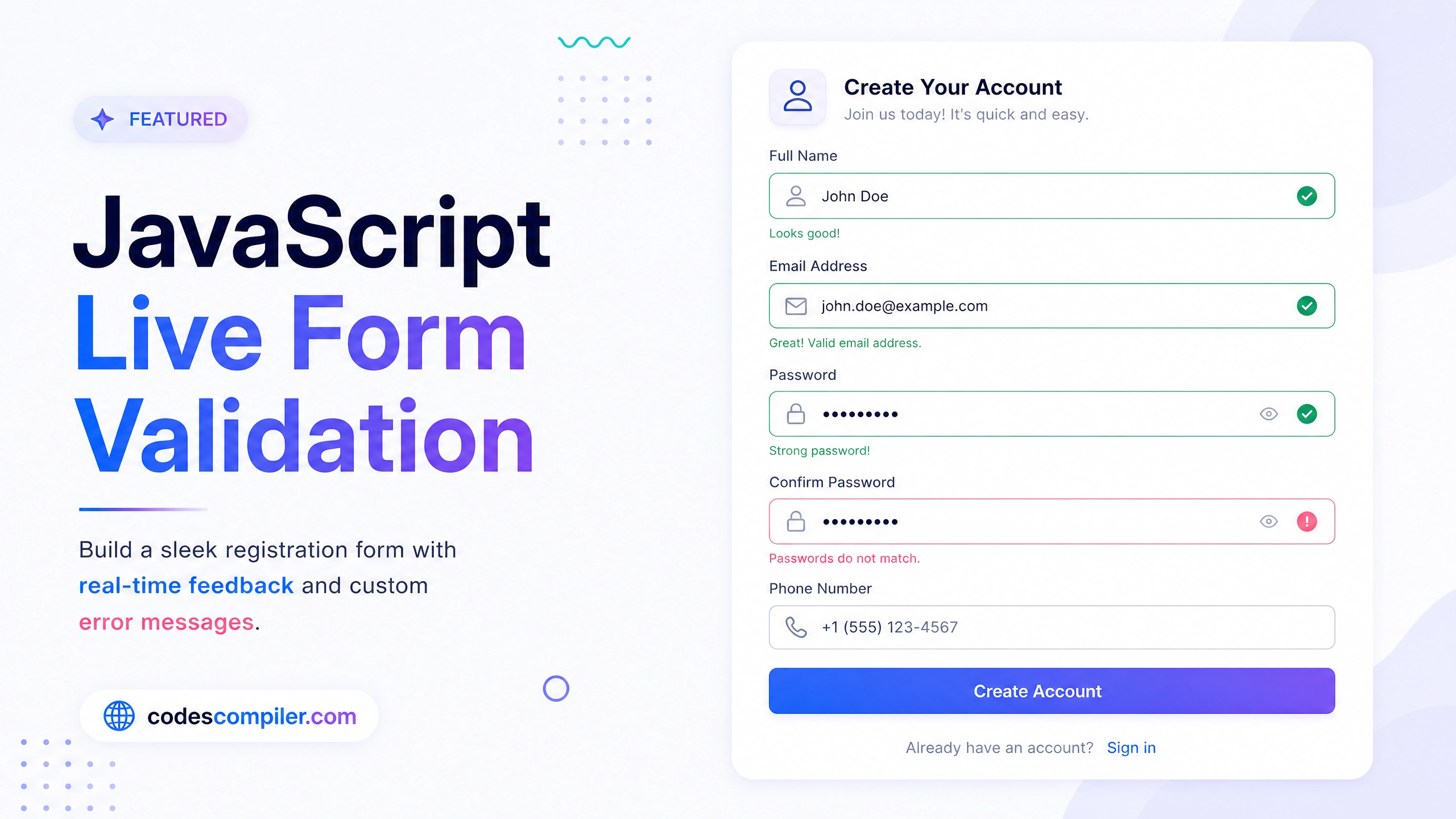
Build a sleek registration form with real-time validation, green checkmarks on success, and custom error messages in vanilla JavaScript.
Table of Contents
Proper form validation prevents bad data from reaching your server and provides immediate feedback to users. In this tutorial we’ll build a live registration form that validates as the user types.
The HTML Form Structure
<form class="form" id="regForm">
  <h2>Create Account</h2>

  <div class="form-group">
    <label for="username">Username</label>
    <input type="text" id="username" placeholder="Enter username">
    <small class="error-text">Message here</small>
  </div>

  <div class="form-group">
    <label for="email">Email</label>
    <input type="email" id="email" placeholder="john@example.com">
    <small class="error-text">Message here</small>
  </div>

  <div class="form-group">
    <label for="password">Password</label>
    <input type="password" id="password" placeholder="Min 8 characters">
    <small class="error-text">Message here</small>
  </div>

  <button type="submit">Sign Up</button>
</form>
The Validation Logic
const form = document.getElementById('regForm');
const user = document.getElementById('username');
const email = document.getElementById('email');
const pass = document.getElementById('password');

function showError(input, message) {
  const group = input.parentElement;
  group.className = 'form-group error';
  group.querySelector('small').innerText = message;
}

function showSuccess(input) {
  const group = input.parentElement;
  group.className = 'form-group success';
}

function checkRequired(inputArr) {
  let isRequired = false;
  inputArr.forEach(input => {
    if (input.value.trim() === '') {
      showError(input, `${getFieldName(input)} is required`);
      isRequired = true;
    } else {
      showSuccess(input);
    }
  });
  return isRequired;
}

function checkLength(input, min, max) {
  if (input.value.length < min) {
    showError(input, `${getFieldName(input)} must be at least ${min} characters`);
  } else if (input.value.length > max) {
    showError(input, `${getFieldName(input)} must be less than ${max} characters`);
  } else {
    showSuccess(input);
  }
}

function checkEmail(input) {
  const re = /^(([^<>()[\\]\\\\.,;:\\s@"]+(\\.[^<>()[\\]\\\\.,;:\\s@"]+)*)|(".+"))@((\\[[0-9]{1,3}\\.[0-9]{1,3}\\.[0-9]{1,3}\\.[0-9]{1,3}\\])|(([a-zA-Z\\-0-9]+\\.)+[a-zA-Z]{2,}))$/;
  if (re.test(input.value.trim())) {
    showSuccess(input);
  } else {
    showError(input, 'Email is not valid');
  }
}

function getFieldName(input) {
  return input.id.charAt(0).toUpperCase() + input.id.slice(1);
}

// Event Listeners
form.addEventListener('submit', function(e) {
  e.preventDefault();
  if(!checkRequired([user, email, pass])) {
    checkLength(user, 3, 15);
    checkLength(pass, 6, 25);
    checkEmail(email);
  }
});
Using real-time event listeners on input provides an even better UX. Check out the Live Demo to see it in action!