Build a JavaScript Password Generator (Source Code)
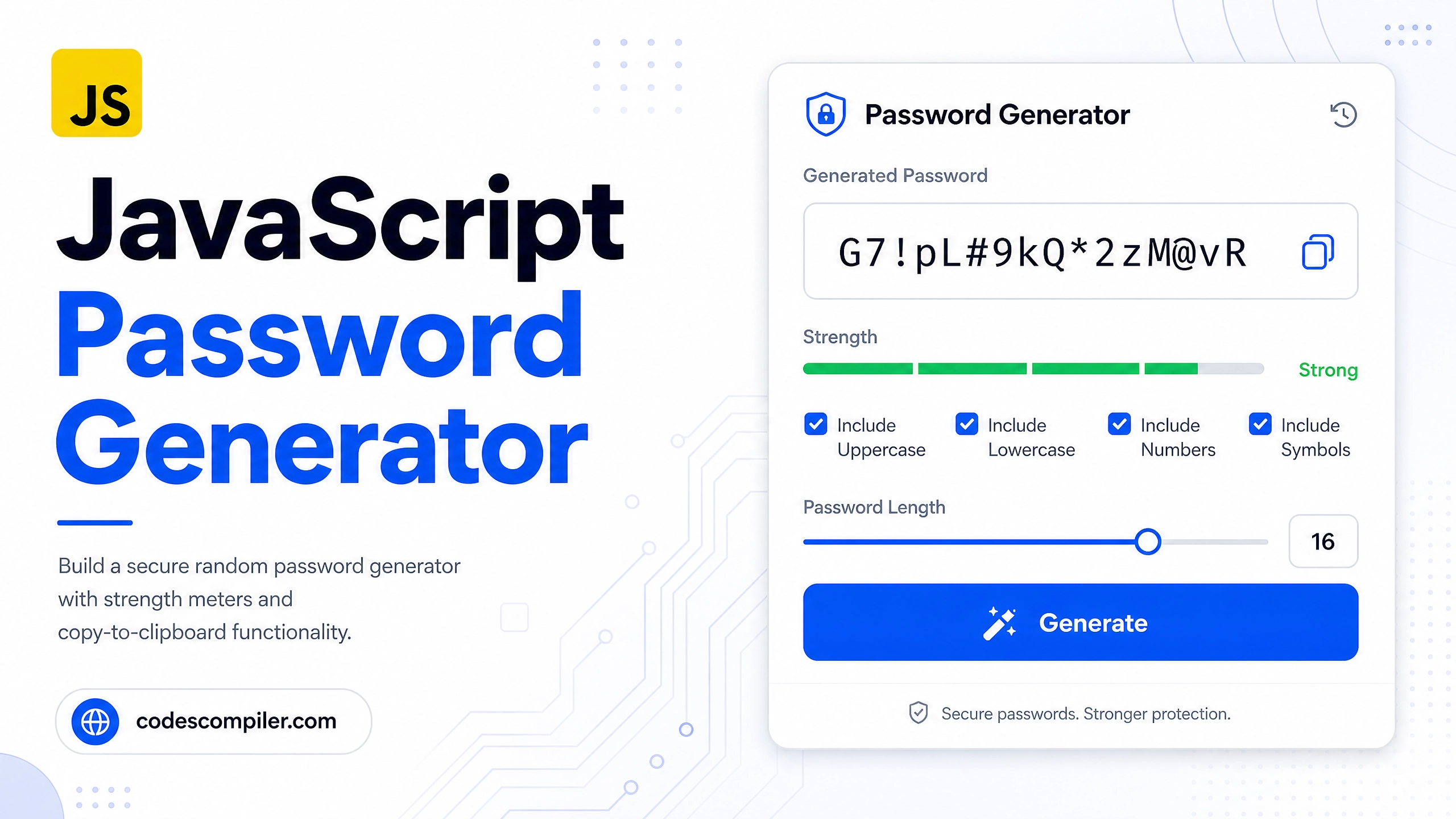
Build a secure random password generator with strength meter, copy-to-clipboard, and options for uppercase, numbers, and symbols in JavaScript.
Table of Contents
A password generator is a great project that teaches randomness, string manipulation, and the Clipboard API — all practical real-world skills.
Character Sets
const CHARS = {
  lower:   'abcdefghijklmnopqrstuvwxyz',
  upper:   'ABCDEFGHIJKLMNOPQRSTUVWXYZ',
  numbers: '0123456789',
  symbols: '!@#$%^&*()_+-=[]{}|;:,.<>?',
};
Generate Password
We use crypto.getRandomValues() for cryptographically secure randomness:
function generatePassword(length = 16, opts = {}) {
  let pool = CHARS.lower;
  if (opts.upper)   pool += CHARS.upper;
  if (opts.numbers) pool += CHARS.numbers;
  if (opts.symbols) pool += CHARS.symbols;

  // Use Web Crypto API for secure random bytes
  const array = new Uint32Array(length);
  crypto.getRandomValues(array);

  return Array.from(array, n => pool[n % pool.length]).join('');
}
Strength Meter
function getStrength(password) {
  let score = 0;
  if (password.length >= 8)  score++;
  if (password.length >= 12) score++;
  if (password.length >= 16) score++;
  if (/[A-Z]/.test(password)) score++;
  if (/[0-9]/.test(password)) score++;
  if (/[^A-Za-z0-9]/.test(password)) score++;

  if (score <= 2) return { label: 'Weak',   color: '#ef4444', width: '25%' };
  if (score <= 3) return { label: 'Fair',   color: '#f59e0b', width: '50%' };
  if (score <= 4) return { label: 'Good',   color: '#3b82f6', width: '75%' };
                  return { label: 'Strong', color: '#04AA6D', width: '100%' };
}

function updateStrength(pw) {
  const { label, color, width } = getStrength(pw);
  document.getElementById('strengthBar').style.width = width;
  document.getElementById('strengthBar').style.background = color;
  document.getElementById('strengthLabel').textContent = label;
  document.getElementById('strengthLabel').style.color = color;
}
Copy to Clipboard
async function copyPassword() {
  const pw = document.getElementById('passwordOutput').value;
  if (!pw) return;
  try {
    await navigator.clipboard.writeText(pw);
    const btn = document.getElementById('copyBtn');
    btn.textContent = '✅ Copied!';
    setTimeout(() => btn.textContent = '📋 Copy', 2000);
  } catch {
    // Fallback for older browsers
    const input = document.getElementById('passwordOutput');
    input.select();
    document.execCommand('copy');
  }
}
Wiring It Together
function generate() {
  const length  = +document.getElementById('lengthSlider').value;
  const opts = {
    upper:   document.getElementById('includeUpper').checked,
    numbers: document.getElementById('includeNumbers').checked,
    symbols: document.getElementById('includeSymbols').checked,
  };
  const pw = generatePassword(length, opts);
  document.getElementById('passwordOutput').value = pw;
  updateStrength(pw);
  document.getElementById('lengthDisplay').textContent = length;
}

// Regenerate on any change
document.querySelectorAll('input').forEach(i => i.addEventListener('change', generate));
document.getElementById('lengthSlider').addEventListener('input', generate);
document.getElementById('generateBtn').addEventListener('click', generate);
document.getElementById('copyBtn').addEventListener('click', copyPassword);

generate(); // Initial password on load
Security Note:
crypto.getRandomValues()uses the OS’s CSPRNG — far more secure thanMath.random()for passwords!