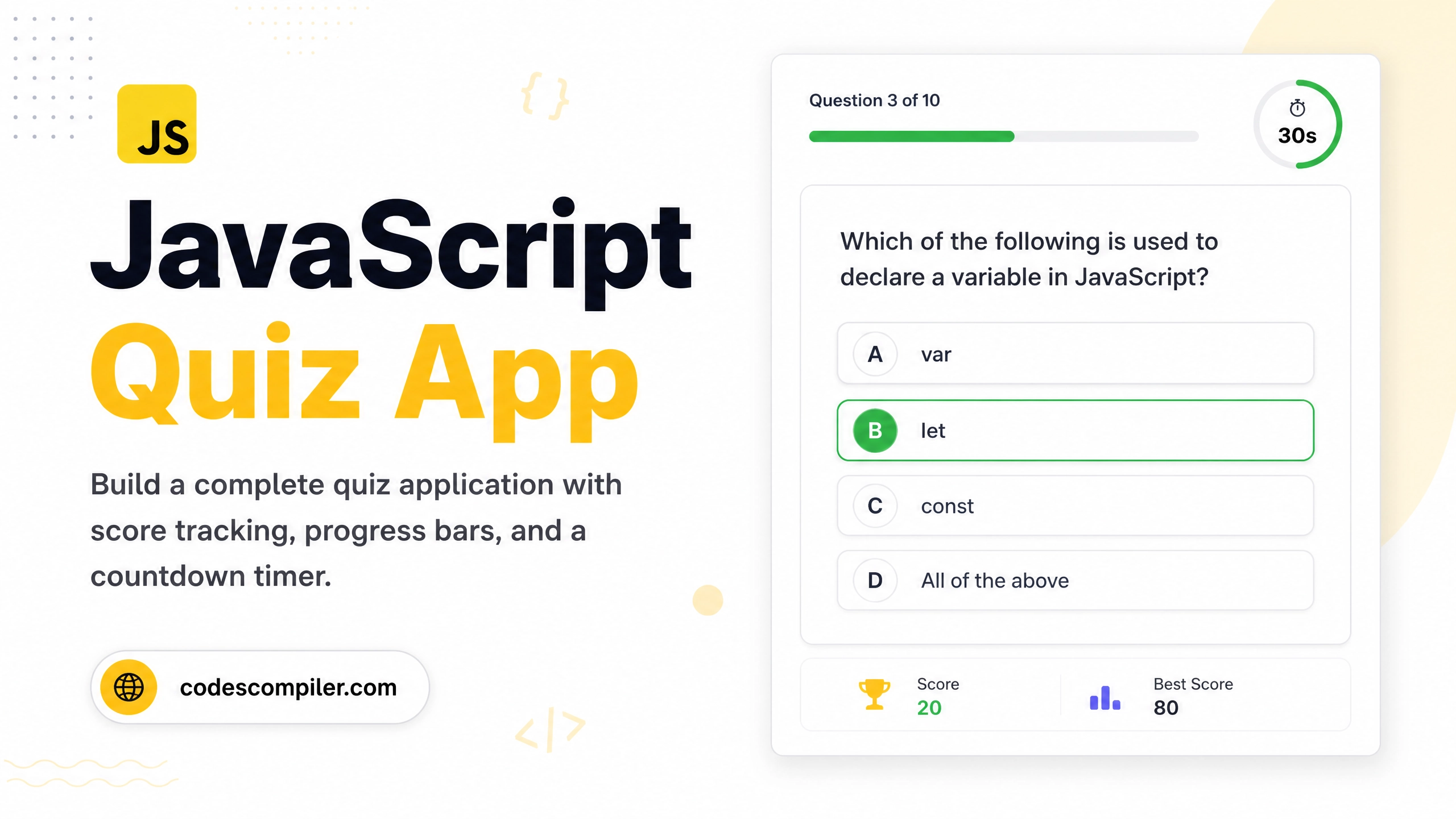
Build a JavaScript Quiz App from Scratch
Build a complete multiple-choice quiz app with score tracking, progress bar, timer, and result screen — using only vanilla JavaScript.
Table of Contents
A quiz app is the perfect JavaScript project for solidifying your DOM manipulation, event handling, and data management skills. Let’s build one together!
Features
- 📝 Multiple choice questions
- ⏱ 30-second countdown timer per question
- 📊 Progress bar
- 🏆 Final score screen with grade
HTML
<!DOCTYPE html>
<html lang="en">
<head>
  <meta charset="UTF-8">
  <title>JS Quiz App</title>
  <link rel="stylesheet" href="style.css">
</head>
<body>
  <div class="quiz-container" id="quiz">
    <div class="progress-bar"><div class="progress" id="progress"></div></div>
    <div class="question-count" id="qCount">Question 1/5</div>
    <div class="timer" id="timer">⏱ 30s</div>
    <h2 class="question" id="question"></h2>
    <div class="options" id="options"></div>
  </div>
  <div class="result hidden" id="result">
    <h2>Quiz Complete! 🎉</h2>
    <p>Your Score: <span id="score"></span>/5</p>
    <p id="grade"></p>
    <button onclick="location.reload()">Try Again</button>
  </div>
  <script src="script.js"></script>
</body>
</html>
Quiz Data (script.js)
const questions = [
  {
    q: "Which method converts a JSON string to a JavaScript object?",
    options: ["JSON.stringify()", "JSON.parse()", "JSON.convert()", "JSON.objectify()"],
    answer: 1
  },
  {
    q: "What does 'typeof null' return in JavaScript?",
    options: ["null", "undefined", "object", "boolean"],
    answer: 2
  },
  {
    q: "Which of these is NOT a JavaScript data type?",
    options: ["Symbol", "BigInt", "Float", "String"],
    answer: 2
  },
  {
    q: "What does the '===' operator check?",
    options: ["Value only", "Type only", "Value and type", "Reference"],
    answer: 2
  },
  {
    q: "How do you declare a constant in JavaScript?",
    options: ["var x = 1", "let x = 1", "const x = 1", "static x = 1"],
    answer: 2
  }
];
Quiz Logic
let current = 0, score = 0, timeLeft, timerInterval;

function loadQuestion() {
  clearInterval(timerInterval);
  if (current >= questions.length) return showResult();

  const q = questions[current];
  document.getElementById('question').textContent = q.q;
  document.getElementById('qCount').textContent = `Question ${current+1}/${questions.length}`;
  document.getElementById('progress').style.width = `${(current/questions.length)*100}%`;

  const opts = document.getElementById('options');
  opts.innerHTML = q.options.map((opt, i) => `
    <button class="option" onclick="selectAnswer(${i})">${opt}</button>
  `).join('');

  startTimer();
}

function startTimer() {
  timeLeft = 30;
  document.getElementById('timer').textContent = `⏱ ${timeLeft}s`;
  timerInterval = setInterval(() => {
    timeLeft--;
    document.getElementById('timer').textContent = `⏱ ${timeLeft}s`;
    if (timeLeft <= 0) {
      clearInterval(timerInterval);
      next();
    }
  }, 1000);
}

function selectAnswer(idx) {
  clearInterval(timerInterval);
  const q = questions[current];
  const btns = document.querySelectorAll('.option');
  btns.forEach(b => b.disabled = true);
  btns[idx].style.background = idx === q.answer ? '#04AA6D' : '#ef4444';
  btns[q.answer].style.background = '#04AA6D';
  if (idx === q.answer) score++;
  setTimeout(next, 1000);
}

function next() { current++; loadQuestion(); }

function showResult() {
  document.getElementById('quiz').classList.add('hidden');
  document.getElementById('result').classList.remove('hidden');
  document.getElementById('score').textContent = score;
  const grades = ['F 😞','D 😕','C 😐','B 😊','A 😄','A+ 🏆'];
  document.getElementById('grade').textContent = grades[score];
}

loadQuestion();
Challenge: Add a leaderboard using
localStorageto save high scores across sessions!