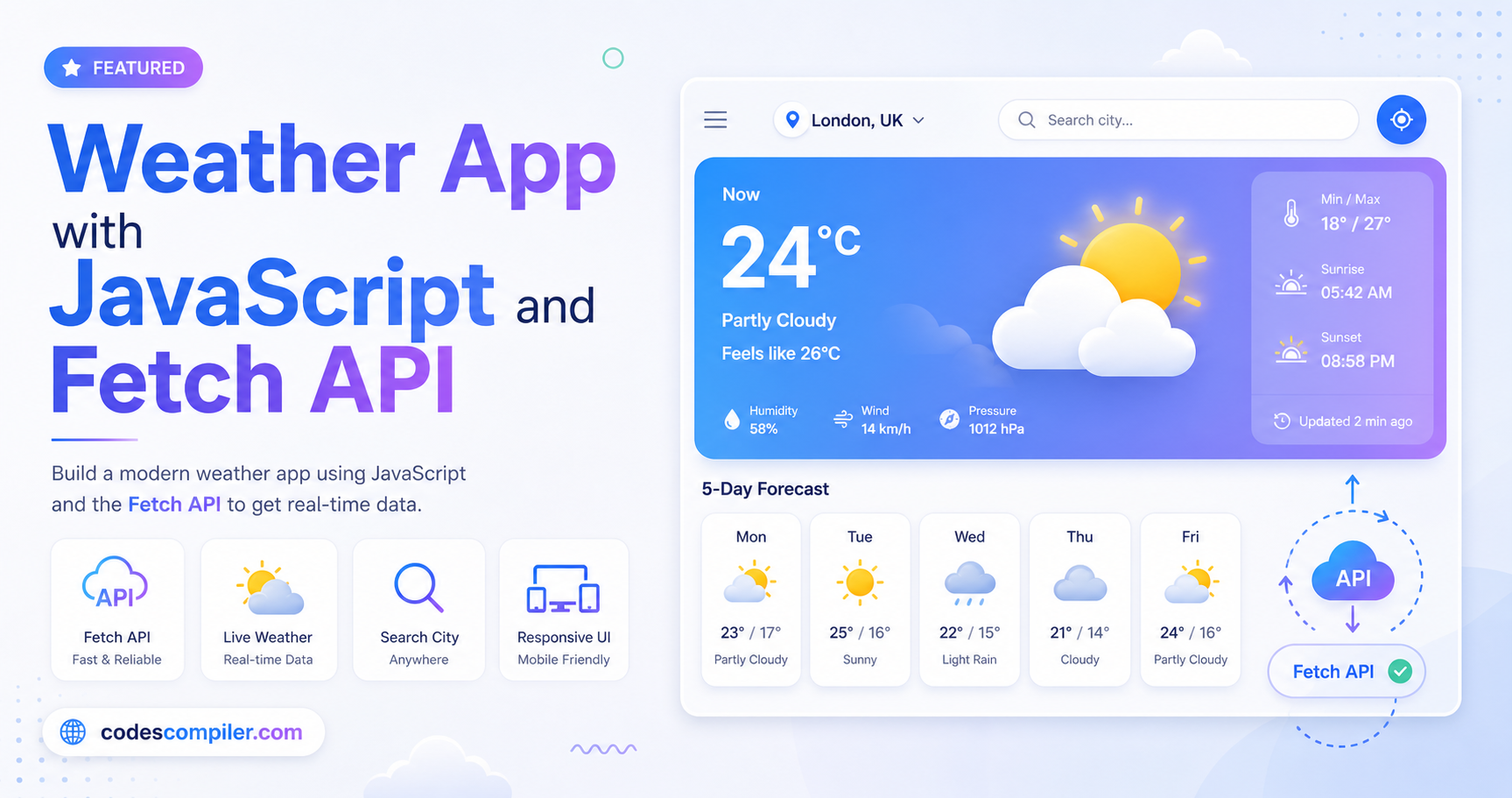
Weather App using Fetch API - Complete Step-by-Step Tutorial
Build a beautiful weather card UI that fetches live data from an external API, featuring minimalist design and glassmorphism.
Table of Contents
Calling external APIs and rendering the data is a staple JavaScript skill. In this tutorial we’ll use fetch() to hit a weather API and display the results in a beautiful glassmorphism card.
Fetching Data
We’ll use standard async/await to get the weather data. We are utilizing the completely free Open-Meteo API, which doesn’t require an API key! Because it needs coordinates, we first call the geocoding API, and then chain the true weather request.
async function getWeather(city) {
try {
// 1. Get Coordinates
const geoRes = await fetch(`https://geocoding-api.open-meteo.com/v1/search?name=${city}&count=1`);
const geoData = await geoRes.json();
if (!geoData.results || geoData.results.length === 0) throw new Error('Not found');
const { latitude, longitude, name } = geoData.results[0];
// 2. Fetch Weather Data
const wRes = await fetch(`https://api.open-meteo.com/v1/forecast?latitude=${latitude}&longitude=${longitude}¤t_weather=true`);
const wData = await wRes.json();
// 3. Render Data to UI
displayWeather(name, wData.current_weather);
} catch (error) {
showError(error.message);
}
}
The Glassmorphism UI
.weather-card {
  background: rgba(255, 255, 255, 0.1);
  backdrop-filter: blur(10px);
  border: 1px solid rgba(255, 255, 255, 0.2);
  border-radius: 20px;
  padding: 40px;
  color: white;
  text-align: center;
  box-shadow: 0 24px 60px rgba(0,0,0,0.2);
}

.temp {
  font-size: 64px;
  font-weight: 900;
  margin: 10px 0;
}
Open the Live Demo to interact with the search functionality and see the glassmorphism in action!