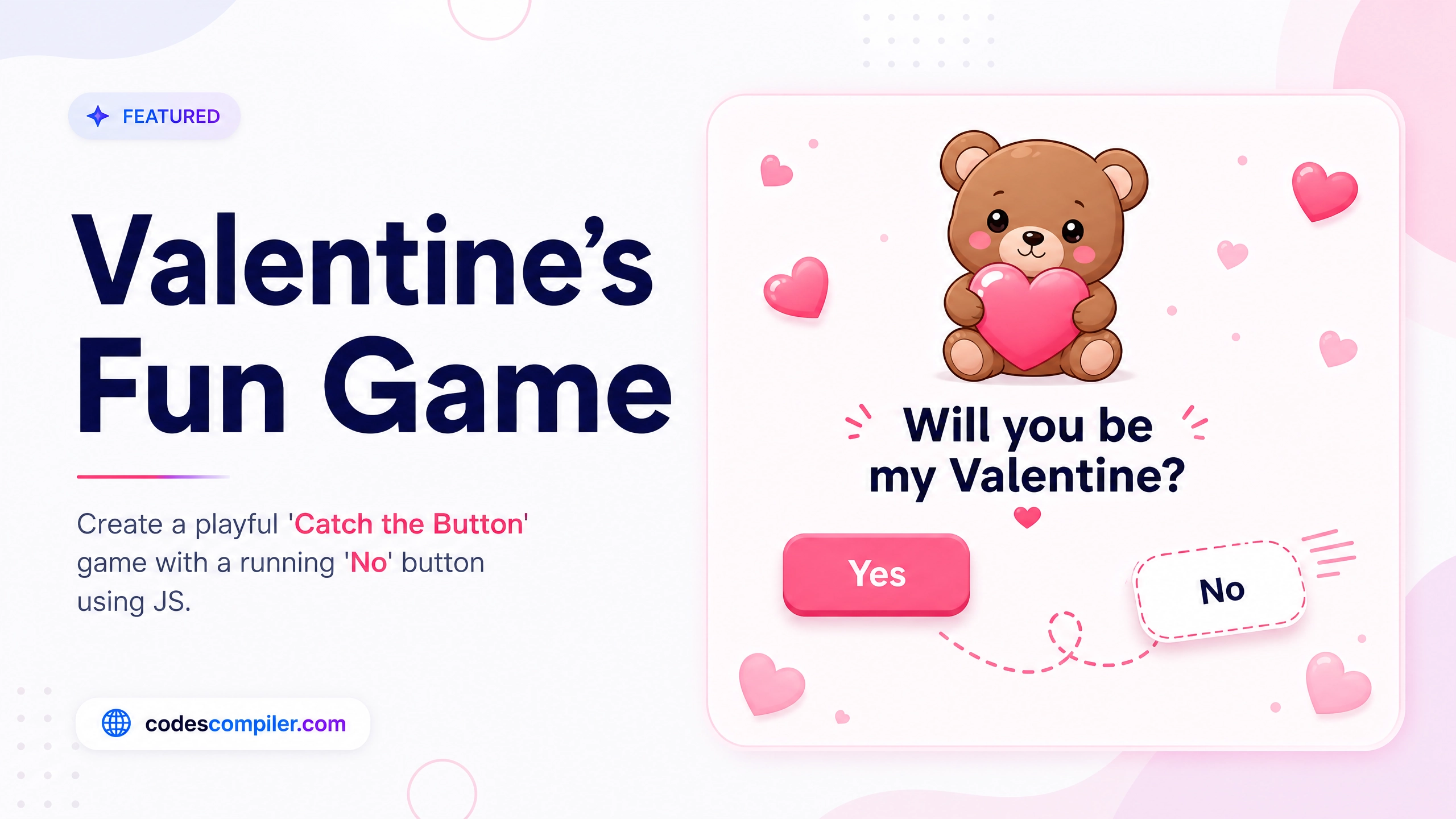
Create a Fun Valentine's Day Game with HTML CSS and JavaScript
Learn how to create a fun, interactive Will You Be My Valentine game using HTML, CSS, and JavaScript, where the No button runs away!
Table of Contents
Welcome to this tutorial on Create a Fun Valentine’s Day Game with HTML CSS and JavaScript. In this tutorial, we will build the classic “Will you be my Valentine?” interactive game, where the “No” button playfully dodges the user’s cursor!
HTML Structure
<div class="valentine-container">
  <div class="gif-container">
    <!-- Cute pleading bear GIF -->
    <img id="bear-gif" src="https://media.tenor.com/ef3X8834_E0AAAAi/tkthao219-bubududu.gif" alt="Cute Bear">
  </div>
  <h1 id="question">Will you be my Valentine? 🥺</h1>

  <div class="btn-container">
    <button id="yes-btn" class="btn yes-btn">Yes</button>
    <button id="no-btn" class="btn no-btn">No</button>
  </div>
</div>
CSS Styling
body {
  margin: 0;
  padding: 0;
  display: flex;
  justify-content: center;
  align-items: center;
  min-height: 100vh;
  background-color: #ffdde1;
  font-family: 'Inter', sans-serif;
  overflow: hidden;
}

.valentine-container {
  text-align: center;
  position: relative;
  z-index: 10;
}

.gif-container img {
  width: 250px;
  height: 250px;
  object-fit: cover;
  border-radius: 20px;
  margin-bottom: 20px;
  box-shadow: 0 10px 30px rgba(255, 105, 135, 0.3);
}

h1 {
  color: #ff4d6d;
  font-size: 2.5rem;
  margin-bottom: 40px;
  text-shadow: 2px 2px 4px rgba(0,0,0,0.1);
}

.btn-container {
  display: flex;
  justify-content: center;
  gap: 30px;
  position: relative;
}

.btn {
  padding: 15px 40px;
  font-size: 1.5rem;
  font-weight: 700;
  border: none;
  border-radius: 50px;
  cursor: pointer;
  transition: all 0.3s ease;
  box-shadow: 0 5px 15px rgba(0,0,0,0.2);
}

.yes-btn {
  background-color: #ff4d6d;
  color: white;
}

.yes-btn:hover {
  background-color: #c9184a;
  transform: scale(1.1);
}

.no-btn {
  background-color: #ffffff;
  color: #ff4d6d;
  position: relative;
}

/* This class hides the buttons when the user clicks 'Yes' */
.hidden {
  display: none !important;
}
JavaScript Logic
The magic happens here! We listen for the mouseover event on the “No” button, and randomly update its top and left coordinates.
document.addEventListener('DOMContentLoaded', () => {
    const noBtn = document.getElementById('no-btn');
    const yesBtn = document.getElementById('yes-btn');
    const question = document.getElementById('question');
    const bearGif = document.getElementById('bear-gif');
    const btnContainer = document.querySelector('.btn-container');

    // Make the "No" button run away
    noBtn.addEventListener('mouseover', () => {
        // Calculate random positions bounded by window size
        const x = Math.floor(Math.random() * (window.innerWidth - noBtn.offsetWidth));
        const y = Math.floor(Math.random() * (window.innerHeight - noBtn.offsetHeight));

        noBtn.style.position = 'fixed';
        noBtn.style.left = `${x}px`;
        noBtn.style.top = `${y}px`;
    });

    // When the user clicks "Yes"
    yesBtn.addEventListener('click', () => {
        question.innerHTML = "Yaaay! I love you! ❤️✨";
        // Change to a happy kissing bear GIF
        bearGif.src = "https://media.tenor.com/gUiu1zyxfzYAAAAi/bear-kiss-bear-kisses.gif";

        // Hide the buttons
        btnContainer.classList.add('hidden');
        noBtn.classList.add('hidden');
    });
});
Try checking out the demo, and try to click the “No” button! 😆